


DDLC 中的 meta 机制分析 [1]

1743 words
9 minutes
DDLC 中的 meta 机制分析 [1]

1 简介#

第一次接触这个游戏是在 2019 年,当时对 meta 的实现方式很感兴趣,但是当时并不会编程,而且写日记环节的各种生僻英文词也是给我劝退了。后来买了 plus 版一直在吃灰,直到昨天花费一整天时间拿下 plus 版全成就后,又想再来看看 meta 的实现机制,现在有了编程基础和豆姐的加持就很容易实现了。

2 预备知识#

2.1 什么是 Ren’Py#

Ren'Py (Renai + Python) 是基于 Python 和 Pygame 的制作视觉小说和恋爱模拟类游戏的开源游戏引擎,常见的文件格式有:

  • .rpy: 源代码
  • .rpyc: .rpy 文件会被 Ren'Py 编译成 .rpyc 格式的二进制文件
  • .rpa: Ren'Py 专用的压缩包格式,用于打包资源

2.2 文件结构与解包#

未解包前的目录结构:

DDLC/
├── DDLC.exe # 游戏主启动程序
├── lib/ # 运行库
├── renpy/ # Ren'Py 引擎核心
└── game/ # 游戏核心资源文件夹
├── scripts.rpa # 脚本包:rpyc编译脚本、poemword.txt诗歌词表、特效代码
├── images.rpa # 所有立绘、CG、背景图、UI图片
├── audio.rpa # BGM、音效
├── fonts.rpa # 字体文件
├── firstrun/ # 首次启动警告页面
└── characters/ # 四个角色的 .chr 文件

进入游戏目录,通过 pip 安装 unrpa 后进入 game 目录下解压 scripts.rpa 和 images.rpa:

Terminal window
# 将当前目录下的 scripts.rpa 解压到上级目录下的 ddlc_out 中
unrpa -mp ../ddlc_out ../scripts.rpa
# 同理将图片解压到 ddlc_image_out 中
unrpa -mp ../ddlc_image_out ../iamges.rpa

此时解压出的源代码是编译后的 .rpyc 文件,需要通过 unrpyc 工具反编译:

Terminal window
# 下载 unrpyc 工具
git clone https://github.com/CensoredUsername/unrpyc.git
# 进入 unrpyc 目录
cd unrpyc
# 反编译
python unrpyc.py path/to/your/.rpyc

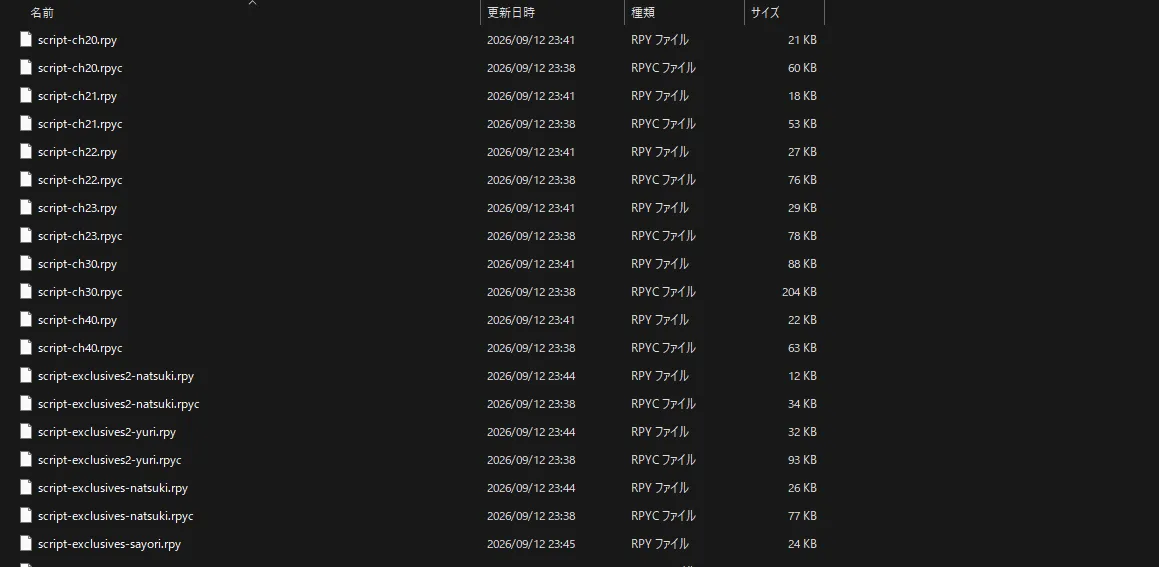
最终效果类似下图:

图 2.1 文件目录示例
图 2.1 文件目录示例

3 代码逻辑#

meta 元素涉及到游戏启动动画,主菜单,立绘等,因此对整个流程进行分析,只基于目前周目下会触发的逻辑,而非整体全部的逻辑

3.1 启动动画#

Ren'Py 启动后,会扫描并执行所有的 init 块,例如启动动画对应的脚本 splash.rpy 中定义了启动时显示的文字:

splash.rpy
init python:
    menu_trans_time = 1
    splash_message_default = "This game is not suitable for children\nor those who are easily disturbed."
    splash_messages = [
"You are my sunshine,\nMy only sunshine",
    "I missed you.",
...]

同时也会初始化 image, transform 等:

splash.rpy
image tos = "bg/warning.png"
image tos2 = "bg/warning2.png"

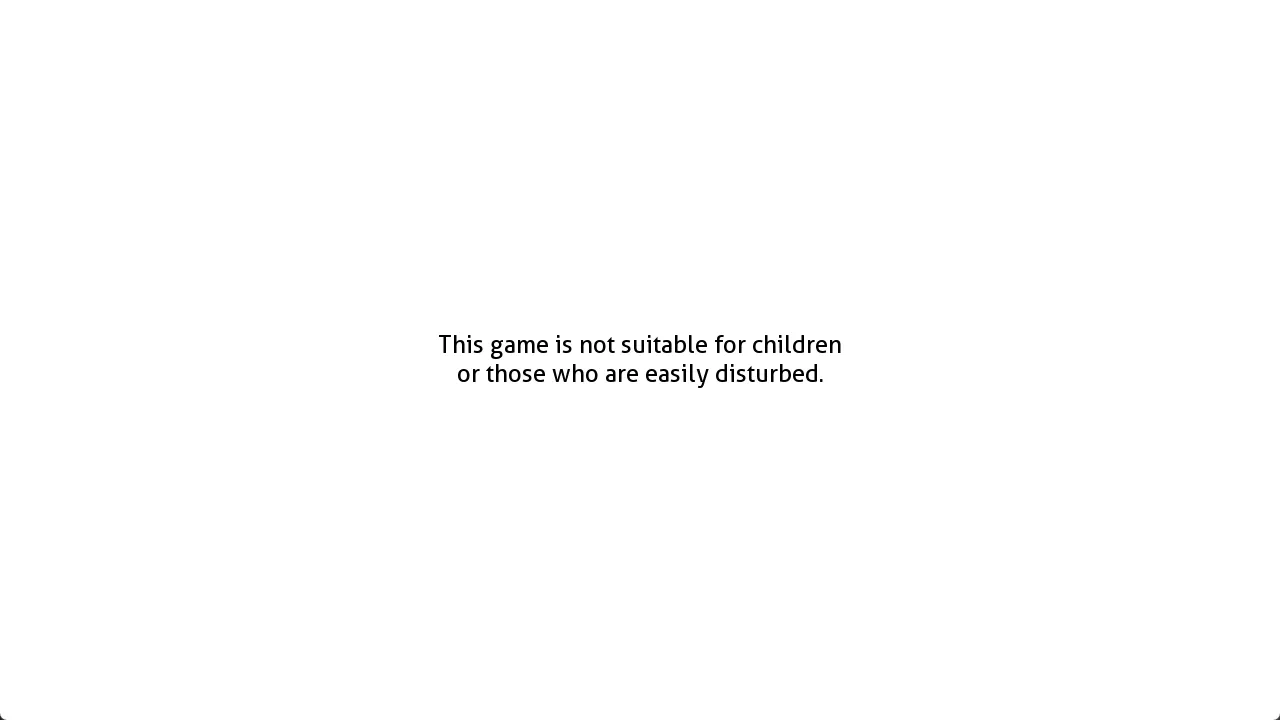
当游戏启动后,会自动执行 label splashscreen 中的语句 (类似函数),第一次运行时会显示警告:
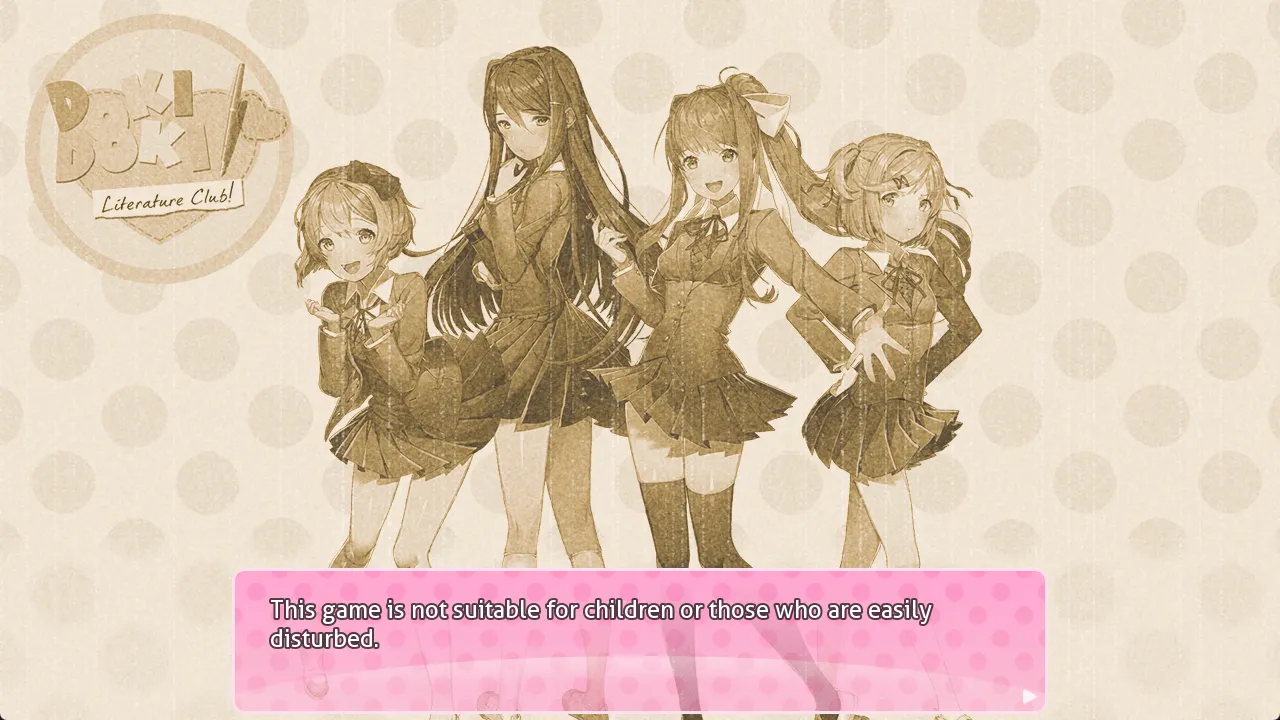
图 3.1 启动警告
图 3.1 启动警告

splash.rpy
label splashscreen:
# 第一次运行时 persistent.first_run 返回 False
if not persistent.first_run:
        python:
# 检查 chr 文件是否存在,不存在则恢复 (definitions.rpy 下)
restore_all_characters()
        $ quick_menu = False
# 纯白界面 0.5s 后切换到 tos
        scene white
        pause 0.5
# 上面定义的图片
        scene tos
# 1s 的淡入
        with Dissolve(1.0)
        pause 1.0
# 警告语句
        "This game is not suitable for children or those who are easily disturbed."
        "Individuals suffering from anxiety or depression may not have a safe experience playing this game. For content warnings, please visit: http://ddlc.moe/warning.html"
        menu:
            "By playing Doki Doki Literature Club, you agree that you are at least 13 years of age, and you consent to your exposure of highly disturbing content."
# "我同意" 的按钮
            "I agree.":
                pass
# 将 persistent.first_run 设置为 True,下次运行就不会显示了
        $ persistent.first_run = True
        scene tos2
        with Dissolve(1.5)
        pause 1.0
        scene white

进入游戏,我们会看到厂商的 logo (对应 intro 动画) 和 “此游戏不适宜儿童 …” 的警告 (对应 splash_warning):

图 3.2 logo
图 3.2 logo

图 3.3 默认消息
图 3.3 默认消息

label splashscreen:
...
show white
# 不显示二周目彩蛋菜单
    $ persistent.ghost_menu = False
# 定义 splash_message:之前定义的默认语句,而不是随机诗句
    $ splash_message = splash_message_default
# 播放 bgm
    $ config.main_menu_music = audio.t1
    $ renpy.music.play(config.main_menu_music)
    $ starttime = datetime.datetime.now()
# 展示 intro 动画
'''
image intro:
    truecenter
    "white"
    0.5
    "bg/splash.png" with Dissolve(0.5, alpha=True)
    2.5
    "white" with Dissolve(0.5, alpha=True)
    0.5
'''
    show intro with Dissolve(0.5, alpha=True)
# 只有在三周目才会从 splash_messages 中随机一个诗句
    if persistent.playthrough == 2 and renpy.random.randint(0, 3) == 0:
        $ splash_message = renpy.random.choice(splash_messages)
# 默认警告文本
    show splash_warning "[splash_message]" with Dissolve(max(0, 4.0 - (datetime.datetime.now() - starttime).total_seconds()), alpha=True)
    $ pause(6.0 - (datetime.datetime.now() - starttime).total_seconds())
    hide splash_warning with Dissolve(max(0, 6.5 - (datetime.datetime.now() - starttime).total_seconds()), alpha=True)
    $ pause(6.5 - (datetime.datetime.now() - starttime).total_seconds())
    $ config.allow_skipping = True
# 返回后显示开始菜单
    return

3.2 开始菜单#

来到开始菜单,它的定义在 screen.rpy 中,人物立绘的定义在之前的 splash.rpy 中:

# 立绘位置,动画效果以及缩放等
image menu_bg:
    topleft
    "gui/menu_bg.png"
    menu_bg_move
image menu_art_y:
    subpixel True
    "gui/menu_art_y.png"
    xcenter 600
    ycenter 335
    zoom 0.60
    menu_art_move(0.54, 600, 0.60)
image menu_art_n:
    subpixel True
    "gui/menu_art_n.png"
    xcenter 750
    ycenter 385
    zoom 0.58
    menu_art_move(0.58, 750, 0.58)
screen.rpy
screen main_menu():
    tag menu
    style_prefix "main_menu"
# 是否为二周目彩蛋界面
    if persistent.ghost_menu:
        add "white"
        add "menu_art_y_ghost"
        add "menu_art_n_ghost"
    else:
# 第一次走这里
        add "menu_bg"
# yuri 和 natsuki 的立绘
        add "menu_art_y"
        add "menu_art_n"
# 开始游戏等按钮的背景框
        frame
# use 在当前 screen 中插入另一个 screen:
        use navigation
...

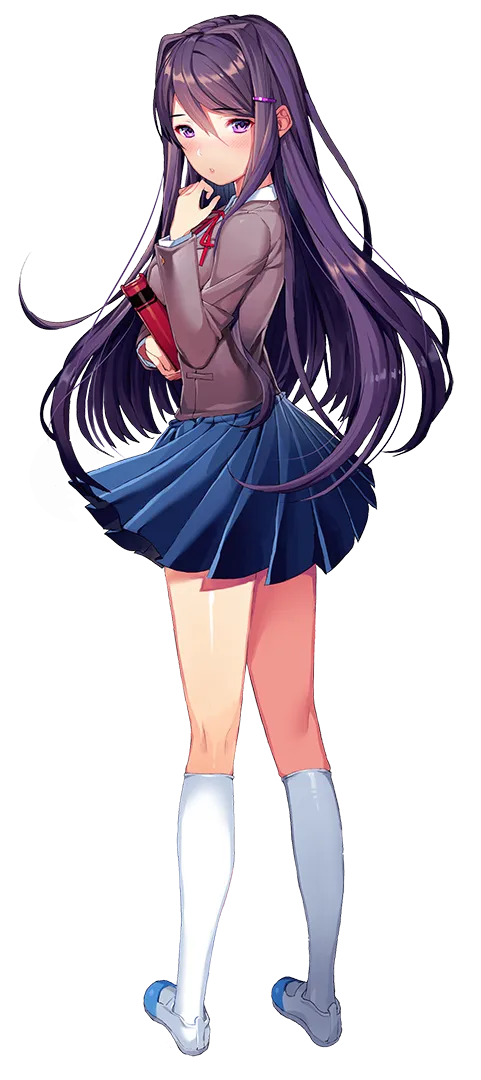
进入解包后的图片文件夹中可以看到三个 image 对应的图片:

图 3.4 menu_bg
图 3.4 menu_bg

图 3.5 menu_art_y
图 3.5 menu_art_y

图 3.6 menu_art_n
图 3.6 menu_art_n

navigation 用于插入开始游戏,设置等按钮,不是 main_menu 时表示是在游戏对话界面,此时插入保存,快进等按钮

screen.rpy
screen navigation():
    vbox:
# 样式设置
        style_prefix "navigation"
        xpos gui.navigation_xpos
        yalign 0.8
        spacing gui.navigation_spacing
# 第一次进入游戏 if autoload 会返回 False
        if not persistent.autoload or not main_menu:
# 当前处于开始菜单
            if main_menu:
# 二周目显示乱码开始按钮
                if persistent.playthrough == 1:
                    textbutton _("ŔŗñĮ¼»ŧþŀÂŻŕěōì«") action If(persistent.playername, true=Start(), false=Show(screen="name_input", message="Please enter your name", ok_action=Function(FinishEnterName)))
                else:
# 一周目正常显示开始游戏的按钮,点击后判断是否有用户名,false 时会提示输入名字,然后通过 true=Start() 调用 script.rpy 中的 start
                    textbutton _("New Game") action If(persistent.playername, true=Start(), false=Show(screen="name_input", message="Please enter your name", ok_action=Function(FinishEnterName)))
            else:
# 不是在主菜单中,添加历史,保存等按钮
                textbutton _("History") action [ShowMenu("history"), SensitiveIf(renpy.get_screen("history") == None)]
                textbutton _("Save Game") action [ShowMenu("save"), SensitiveIf(renpy.get_screen("save") == None)]
            textbutton _("Load Game") action [ShowMenu("load"), SensitiveIf(renpy.get_screen("load") == None)]

Comments

Profile Image of the Author
永雏塔菲胶
∴さて····どこへ行こうか?
公告
随缘分享喵
Music
Cover

Music

No playing

0:00 0:00
No lyrics available
Categories
Tags
Site Statistics
Posts
156
Categories
6
Tags
9
Total Words
2,308,020
Running Days
0 days
Last Activity
0 days ago

Table of Contents