









DDLC 中的 meta 机制分析 [3]

[⚠️精污警告⚠️鬼图警告⚠️剧透警告] 本周目含有多个恐怖 cg,请注意
1 主菜单与整体逻辑
进入游戏主界面,可以看到开始游戏的位置变成了乱码,之前在第一篇中提过,这里对应的是 screens.rpy 下的 navigation:
screen navigation(): vbox: if not persistent.autoload or not main_menu: if main_menu: # playthrough 在上周目结束后变成了 1 if persistent.playthrough == 1: textbutton _("ŔŗñĮ¼»ŧþŀÂŻŕěōì«") action If(persistent.playername, true=Start(), false=Show(screen="name_input", message="Please enter your name", ok_action=Function(FinishEnterName))) else: ...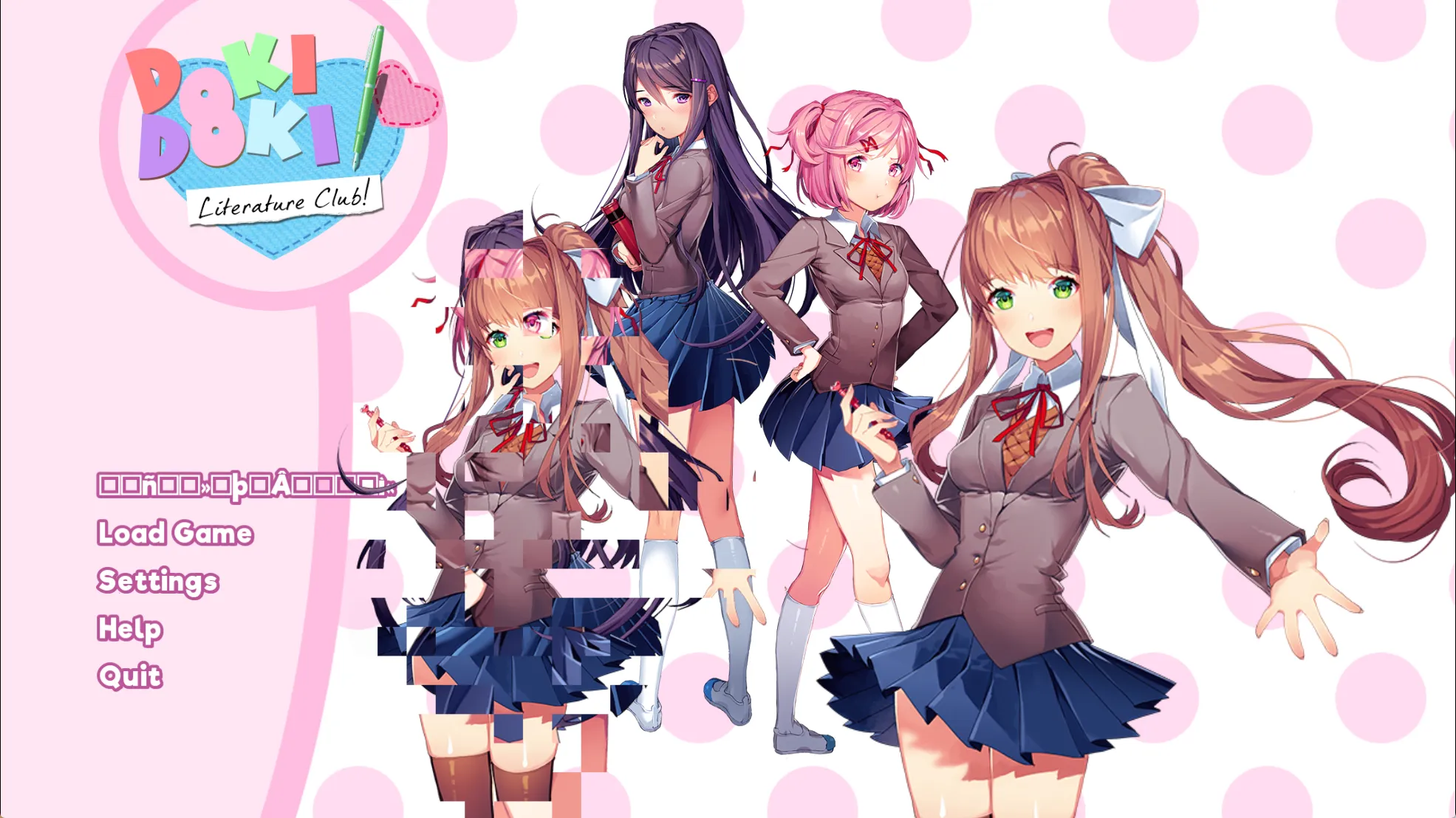
Sayori 的立绘也发生了更改,在 main_menu 中实现:
screen main_menu(): if not persistent.ghost_menu: ... if persistent.ghost_menu: ... else: # 加载 menu_art_s_glitch if persistent.playthrough == 1 or persistent.playthrough == 2:
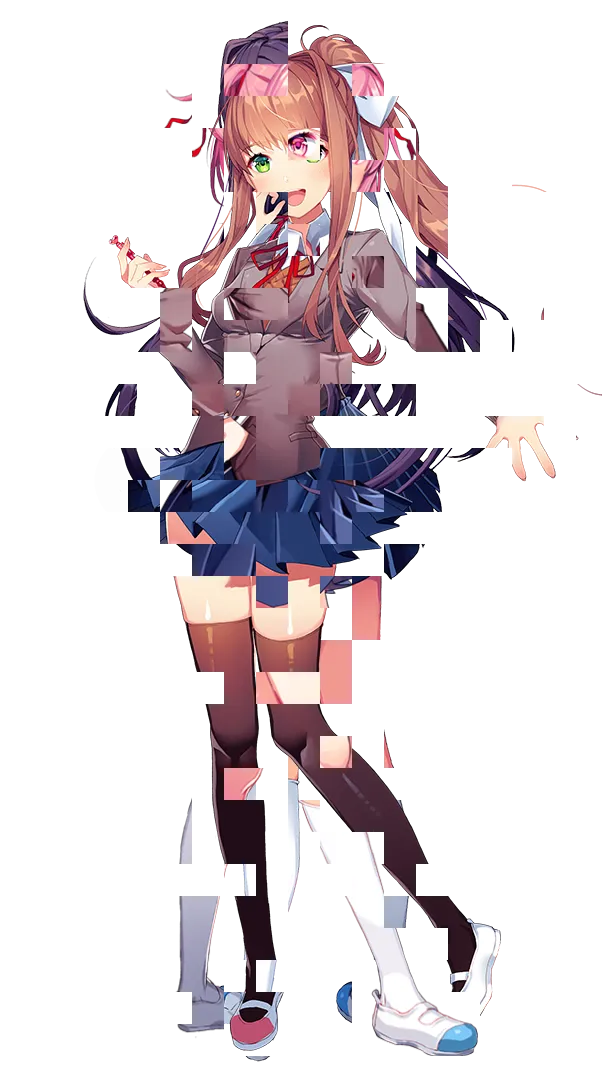
add "menu_art_s_glitch"menu_art_s_glitch 定义在 splash.rpy 中,对应的是 gui/menu_art_s_break.png 文件:
点击开始游戏,仍然会调用 script.rpy 中的 label start:
2 ch10
进入游戏,此时 Sayori 的名字还是一开始定义的 ???,这里的台词换成了刚才的 gtext:
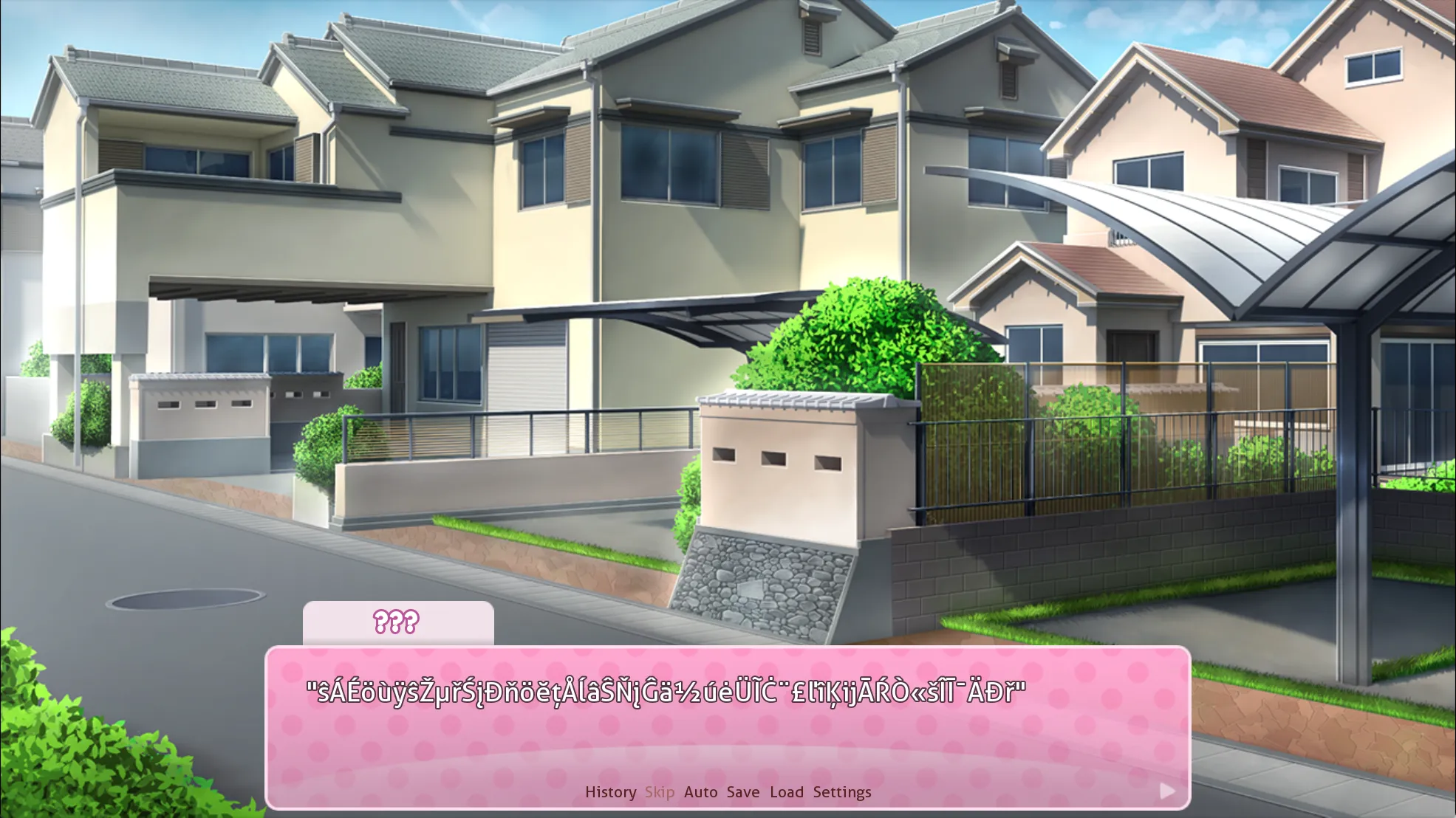
label ch10_main: # 将 Sayori 的名字更改为乱码,在对话中调用 $ s_name = glitchtext(12) "I see an annoying girl running toward me from the distance, waving her arms in the air like she's totally oblivious to any attention she might draw to herself." "That girl is [s_name], my neighbor and good friend since we were children." ...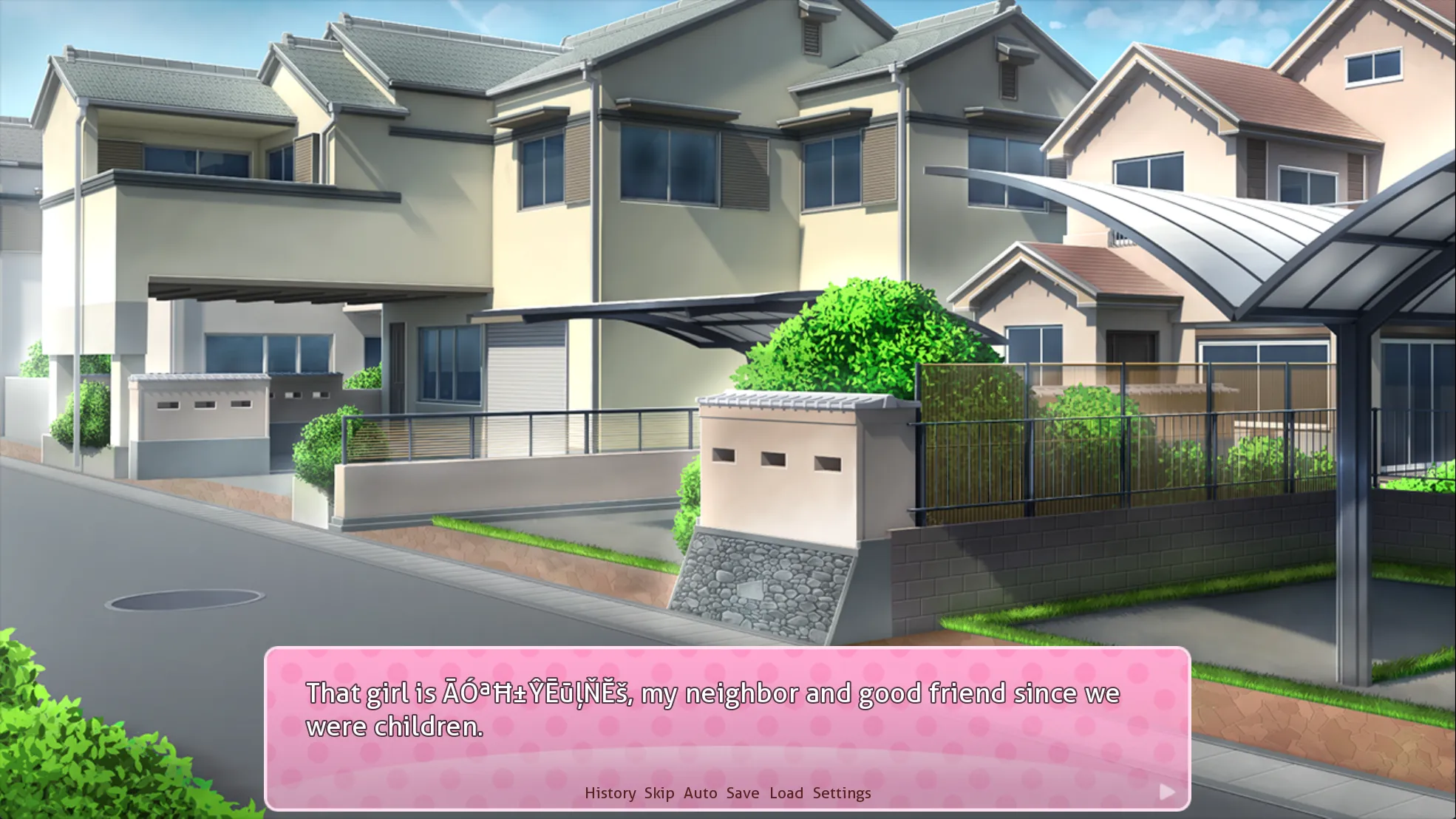
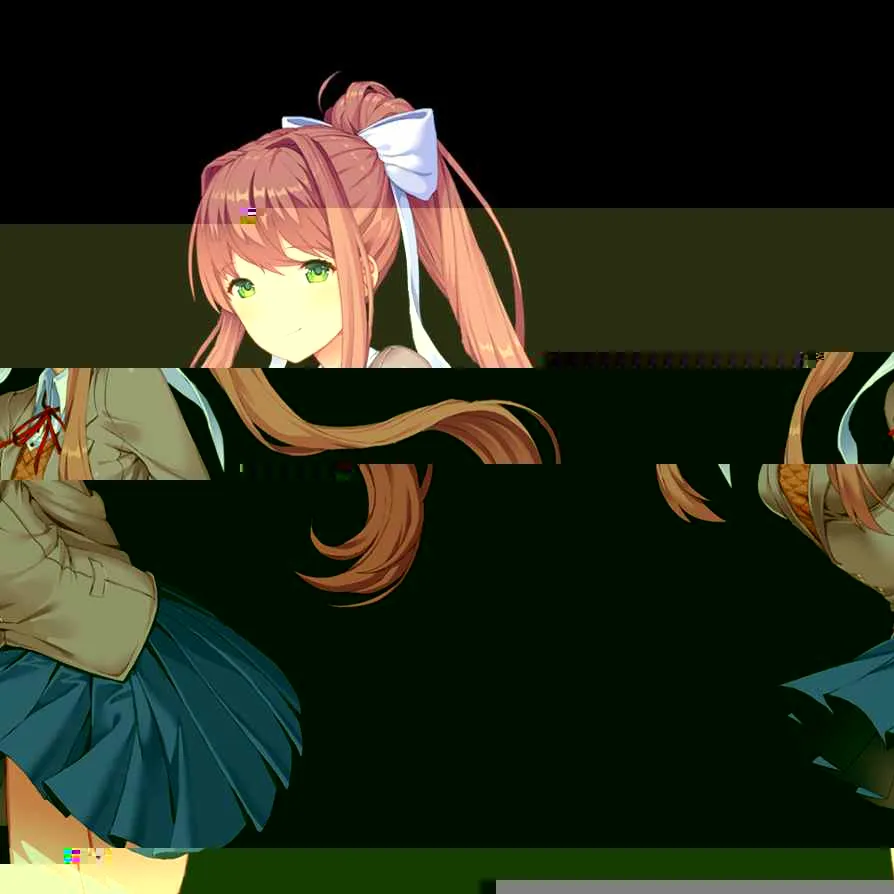
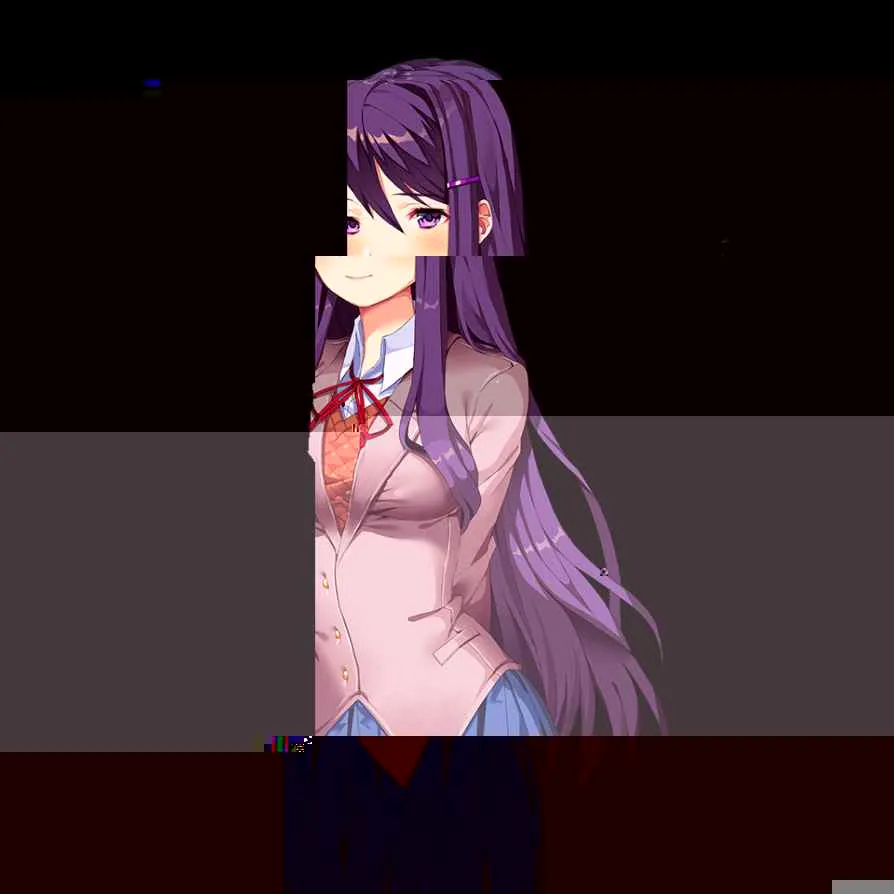
再继续向下推进游戏,就会出现崩坏的 cg:
sayori glitch 定义在 definitions.rpy 中,对应的是 sayori/glitch1.png 和 glitch2.png:
最后跳转到 ch20_from_ch10
3 ch20_from_ch10
label ch20_from_ch10: scene bg residential_day with dissolve_scene_half play music t2 jump ch20_main2
label ch20_main2: "It's an ordinary school day, like any other." "Mornings are usually the worst, being surrounded by couples and friend groups walking to school together." ...Monika 刚出现时,立绘会出现几秒钟的撕裂:
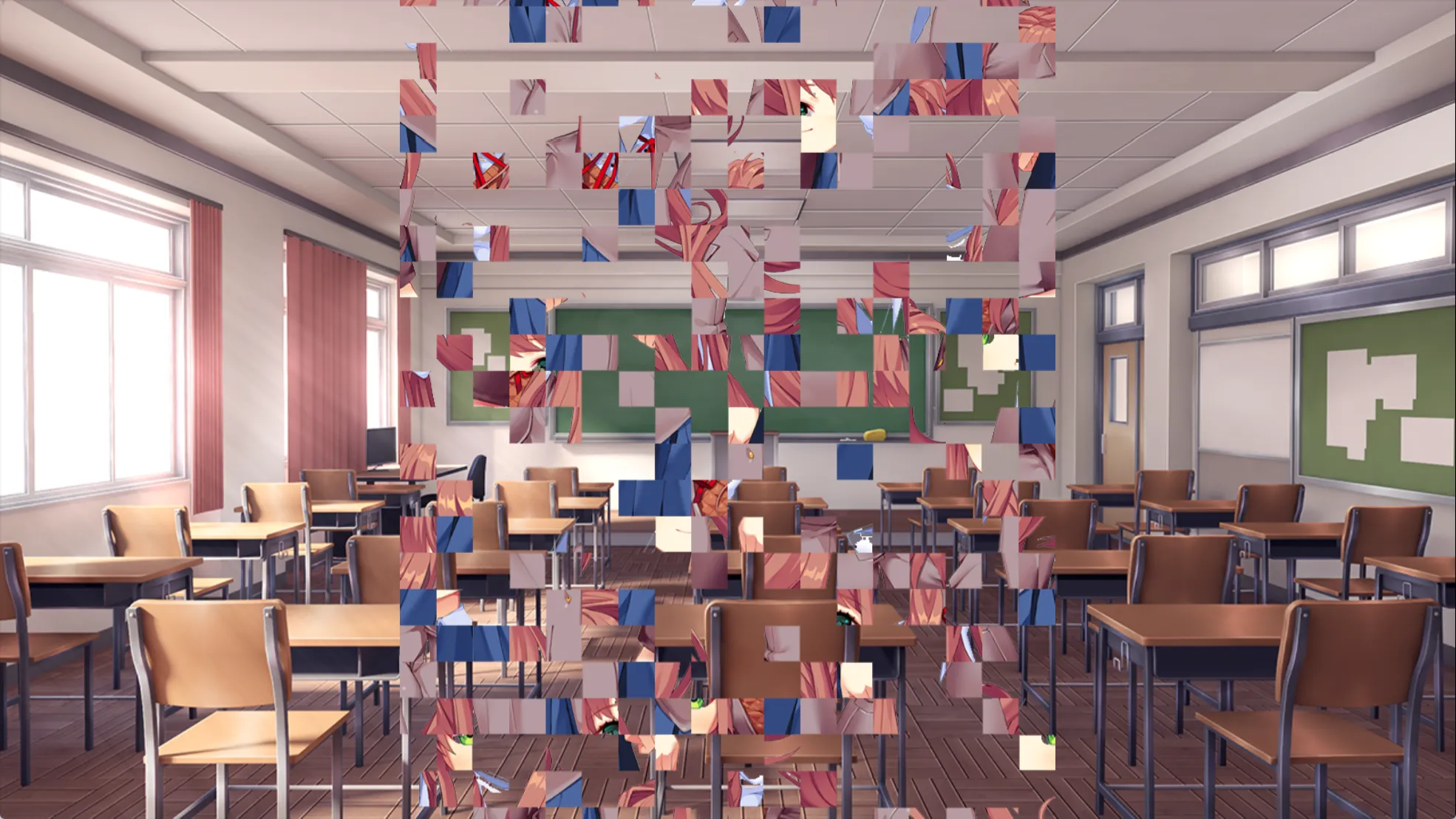
通过 effects.rpy 中的 tear 实现:
screen tear(number=10, offtimeMult=1, ontimeMult=1, offsetMin=0, offsetMax=50, srf=None): zorder 150 add Tear(number, offtimeMult, ontimeMult, offsetMin, offsetMax, srf) size (1280,720) on "show" action Function(hide_windows_enabled, enabled=False) on "hide" action Function(hide_windows_enabled, enabled=True)
# Tear 类的 render 函数会切出若干条、按偏移量错位重绘,形成撕裂效果回到 ch20_from_ch10 中:
Monika 的特殊立绘定义在 definitions.rpy 中,对应的文件是 monika/g1.png:

special_poems 数组在游戏启动时就定义了:
label splashscreen: ... if not persistent.special_poems: python hide: # 不放回的从 12 首诗中抽 3 首 persistent.special_poems = [0,0,0] a = range(1,12) for i in range(3): b = renpy.random.choice(a) persistent.special_poems[i] = b a.remove(b)return 回到 label start 中 jump 到 playthrough2:
label start: ... elif persistent.playthrough == 2: $ chapter = 0 call ch20_main label playthrough2: # playthrough 在之前已经被更改为 2 了 # 进入写诗环节 call poem # 在目录下会生成 CAN YOU HEAR ME.txt python: try: renpy.file(config.basedir + "/CAN YOU HEAR ME.txt") except: open(config.basedir + "/CAN YOU HEAR ME.txt", "wb").write(renpy.file("CAN YOU HEAR ME.txt").read())第一次写诗不会触发特殊事件,正常选择 Natsuki 线,左下角不显示 Sayori 的小人
写诗结束后,游戏目录下会生成 CAN YOU HEAR ME.txt:
“There’s a little devil inside all of us.”
Beneath their manufactured perception - their artificial reality - is a writhing, twisted mess of dread. Loathing. Judgment. Elitism. Self-doubt. All thrashing to escape the feeble hold of their host, seeping through every little crevice they can find. Into their willpower, starving them of all motivation and desire. Into their stomach, forcing them to drown their guilt in comfort food. Or into a newly-opened gash in their skin, hidden only by the sleeves of a cute new shirt. Such a deplorable, tangled mass is already present in every single one of them. That’s why I choose not to blame myself for their actions.
All I did was untie the knot.
4 ch21
生成 CAN YOU HEAR ME.txt 后进入 ch21:
label start: elif persistent.playthrough == 2: ... label playthrough2: call poem python: try: renpy.file(config.basedir + "/CAN YOU HEAR ME.txt") except: open(config.basedir + "/CAN YOU HEAR ME.txt", "wb").write(renpy.file("CAN YOU HEAR ME.txt").read())
$ chapter = 1 call ch21_main call poemresponse_start call ch21_end ...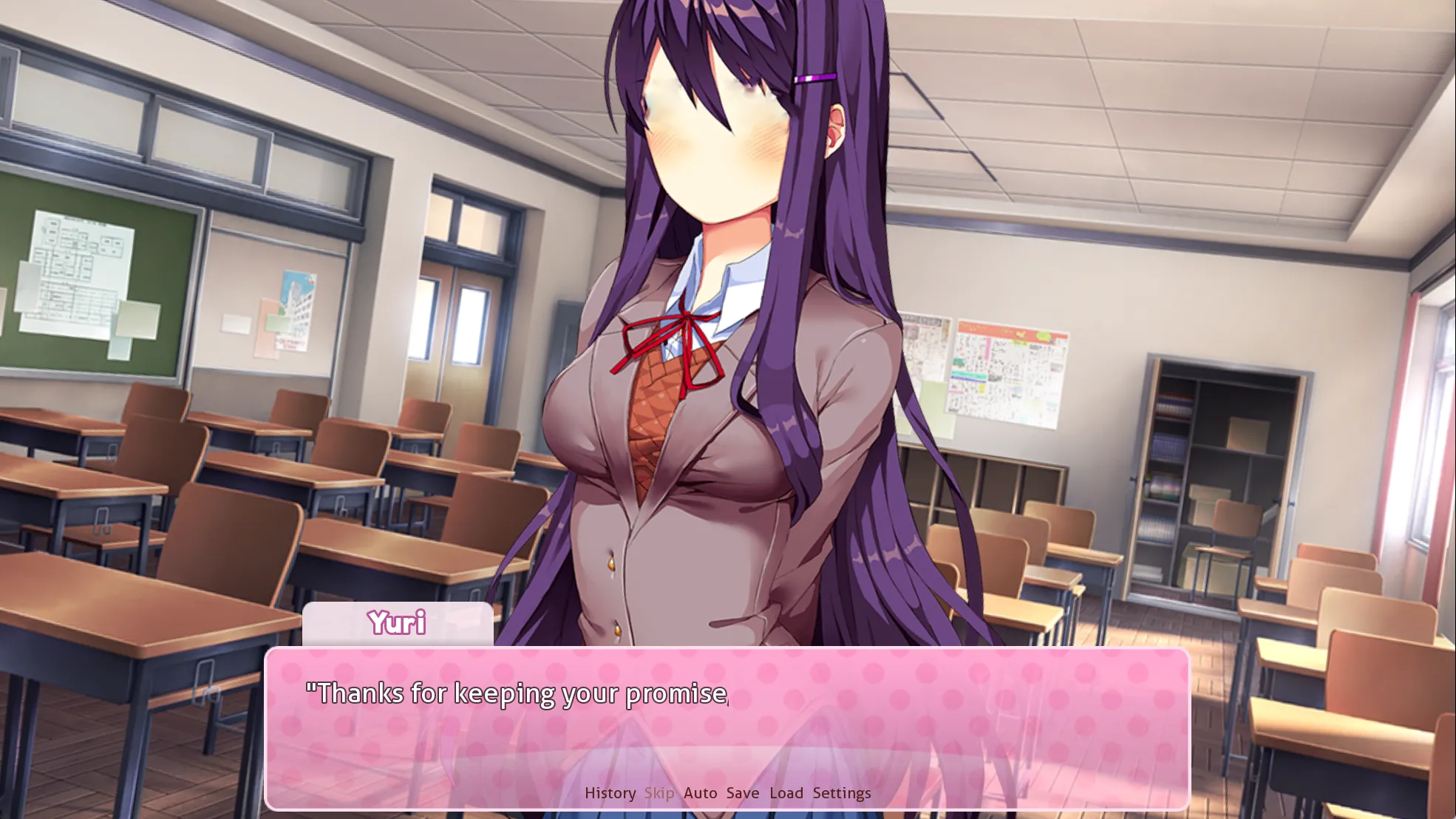
label ch21_main: ... y "Thanks for keeping your promise, [player]." y 1a "I hope this isn't too overwhelming of a commitment for you." y 1u "Making you dive headfirst into literature when you're not accustomed to it..." # Natsuki 出现时播放 glitch1.png show natsuki glitch1 zorder 2 at i33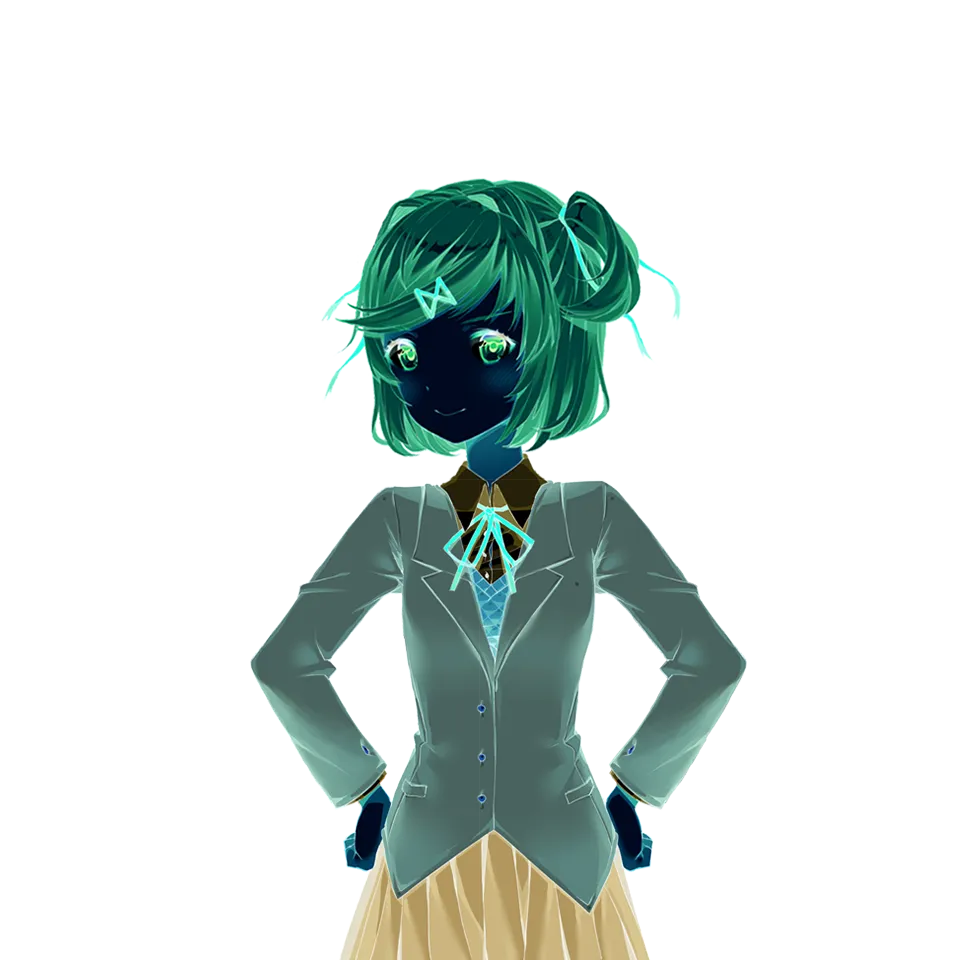
label ch21_main: ... # 进入 natsuki 线 # natsuki_exclusive2_1 $ nextscene = poemwinner[0] + "_exclusive2_" + str(eval(poemwinner[0][0] + "_appeal")) call expression nextscene return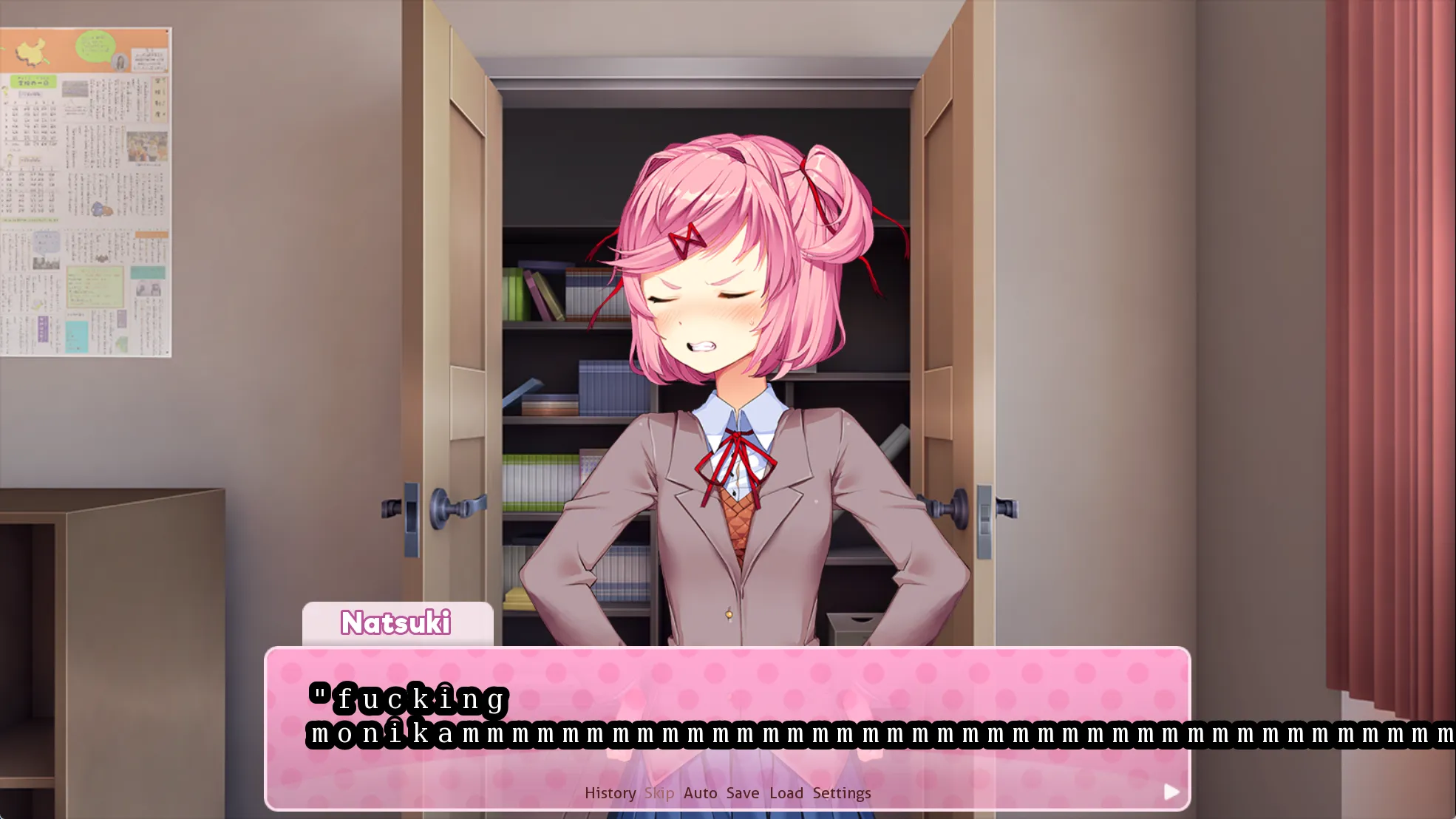
点开历史,发现 Natsuki 的台词被改掉了:
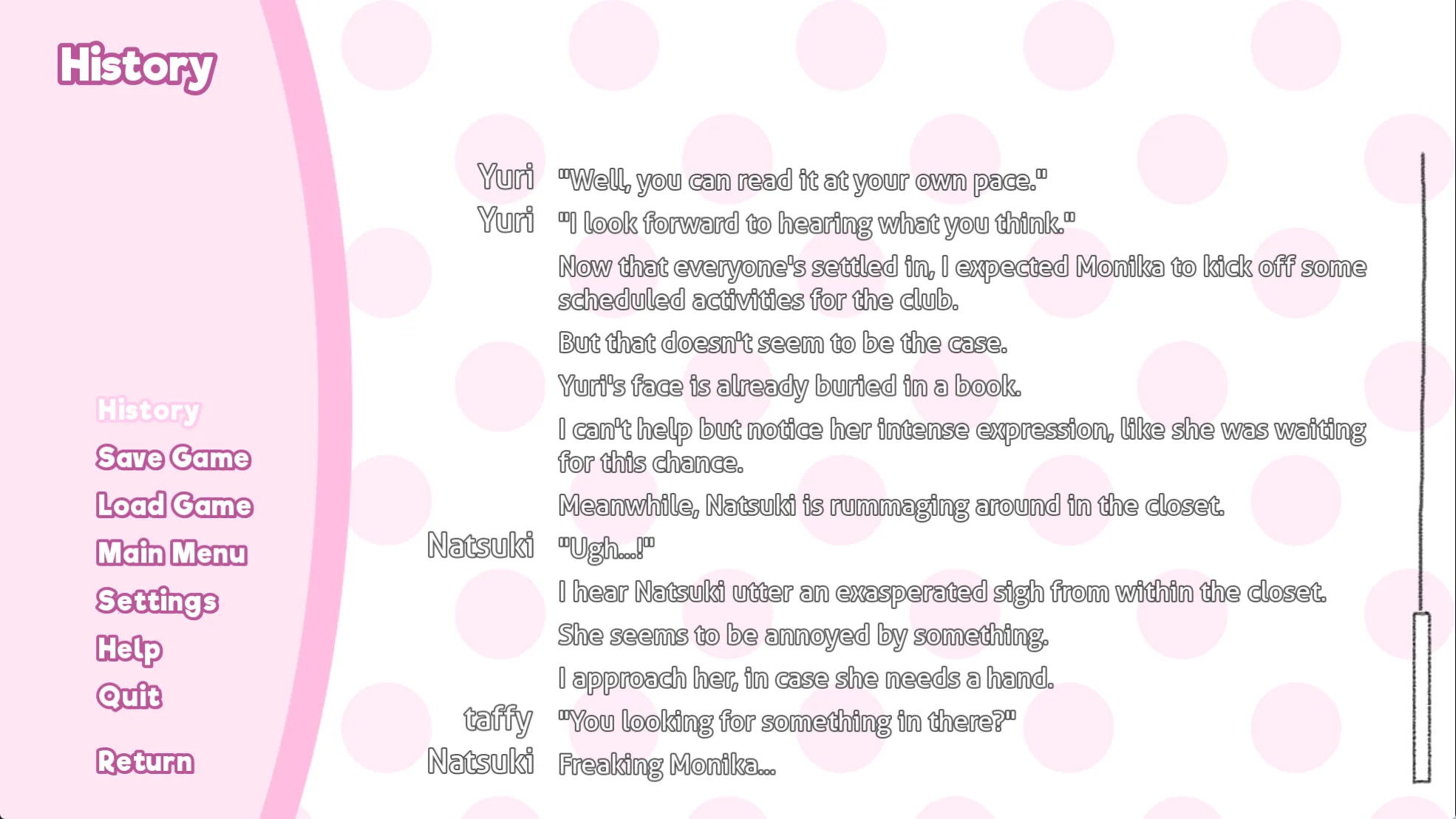
label natsuki_exclusive2_1: ... # {nw} 表示不会等待玩家点击会自动前进 n 4l "Consider this a lesson straight from the Literature Club:{nw}" $ _history_list[-1].what = "Consider this a lesson straight from the Literature Club: Don't judge a book by its cover!" $ style.say_dialogue = style.edited n "don't judge a bookkkkkkkkkkkkkkkkk kkkkk kk{space=20}k{space=40}k{space=120}k{space=160}k{space=200}k" $ style.say_dialogue = style.normal # 清除上一条历史记录而不是修改成正常对话 $ _history_list.pop()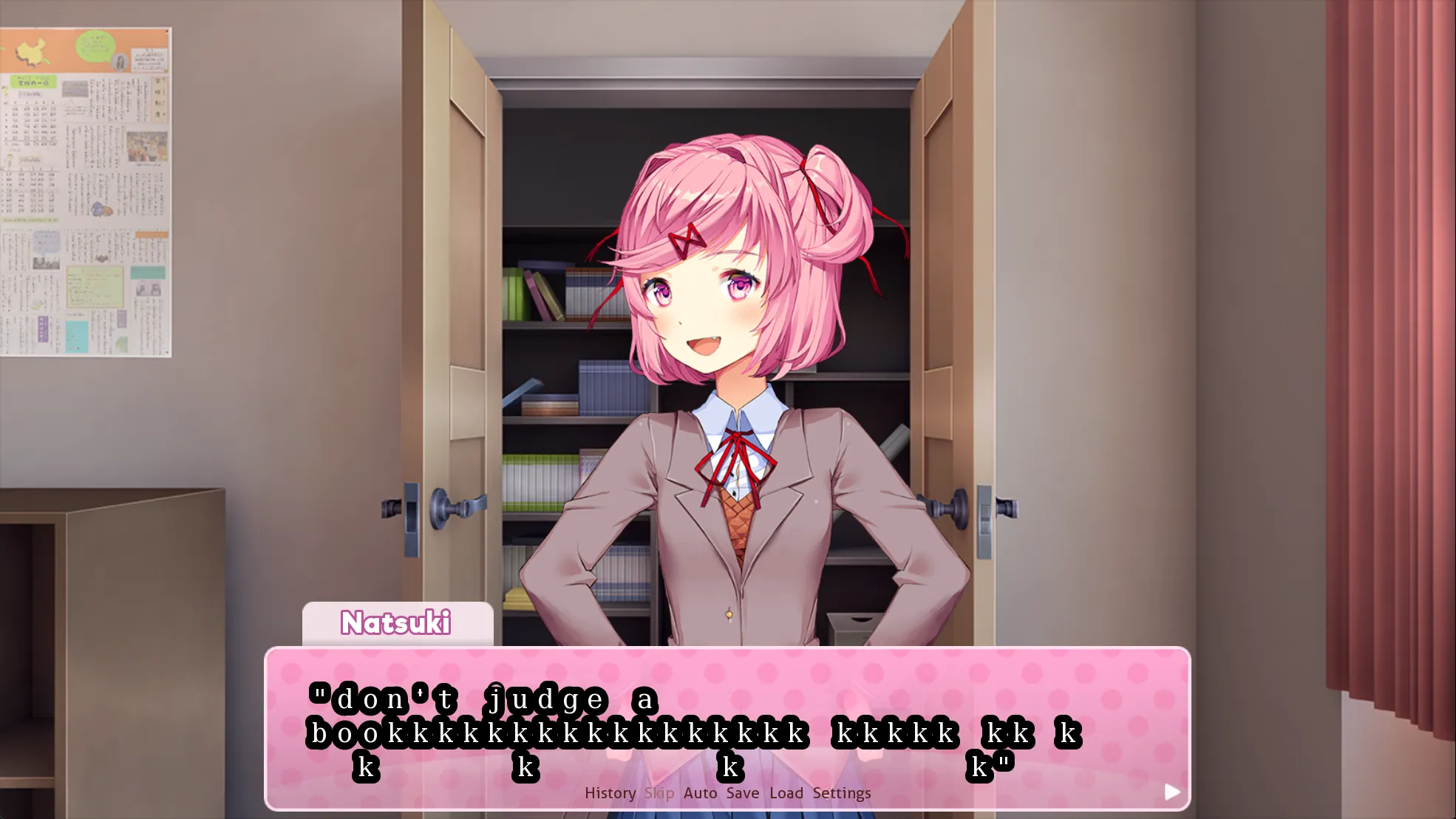
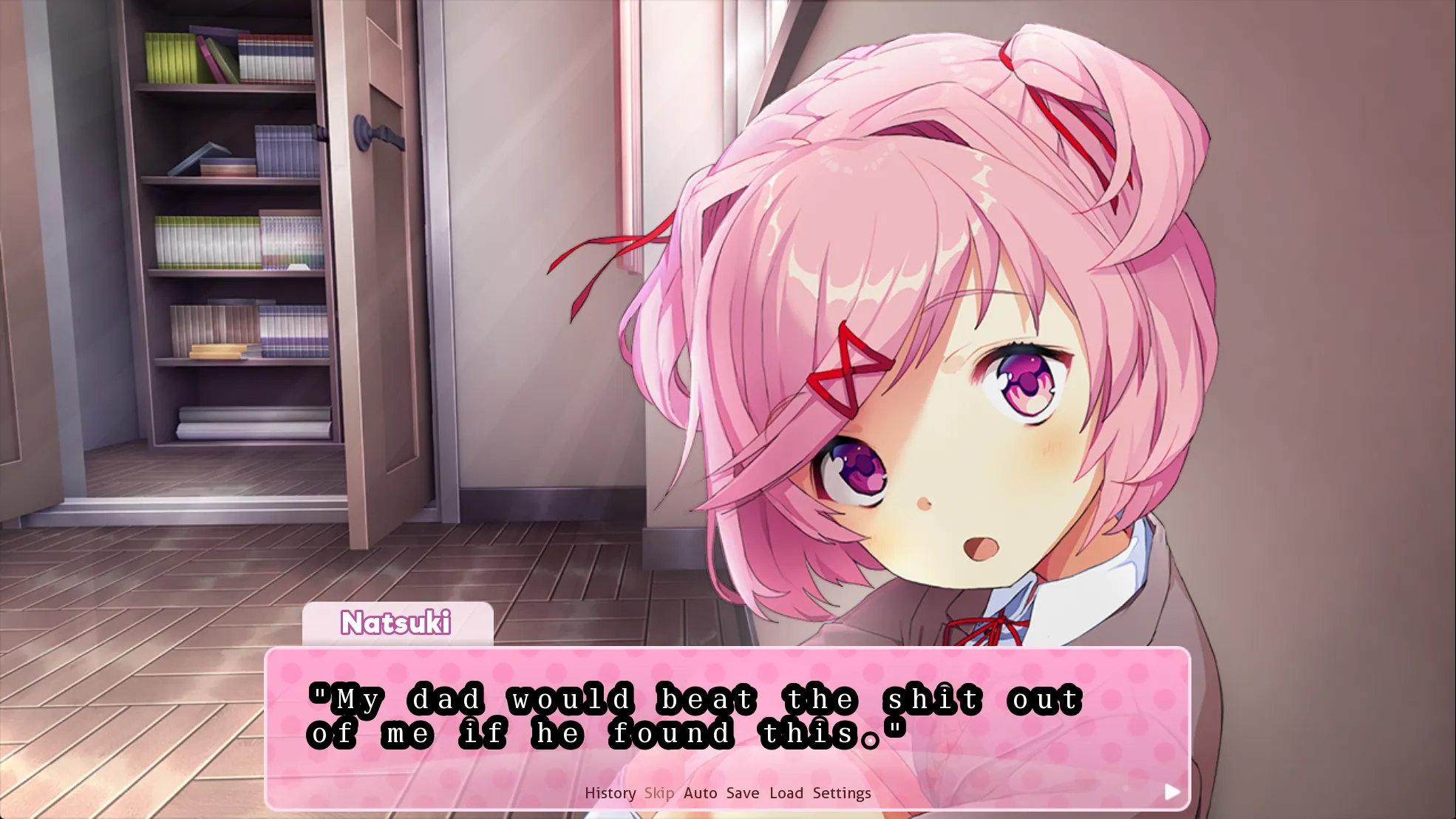
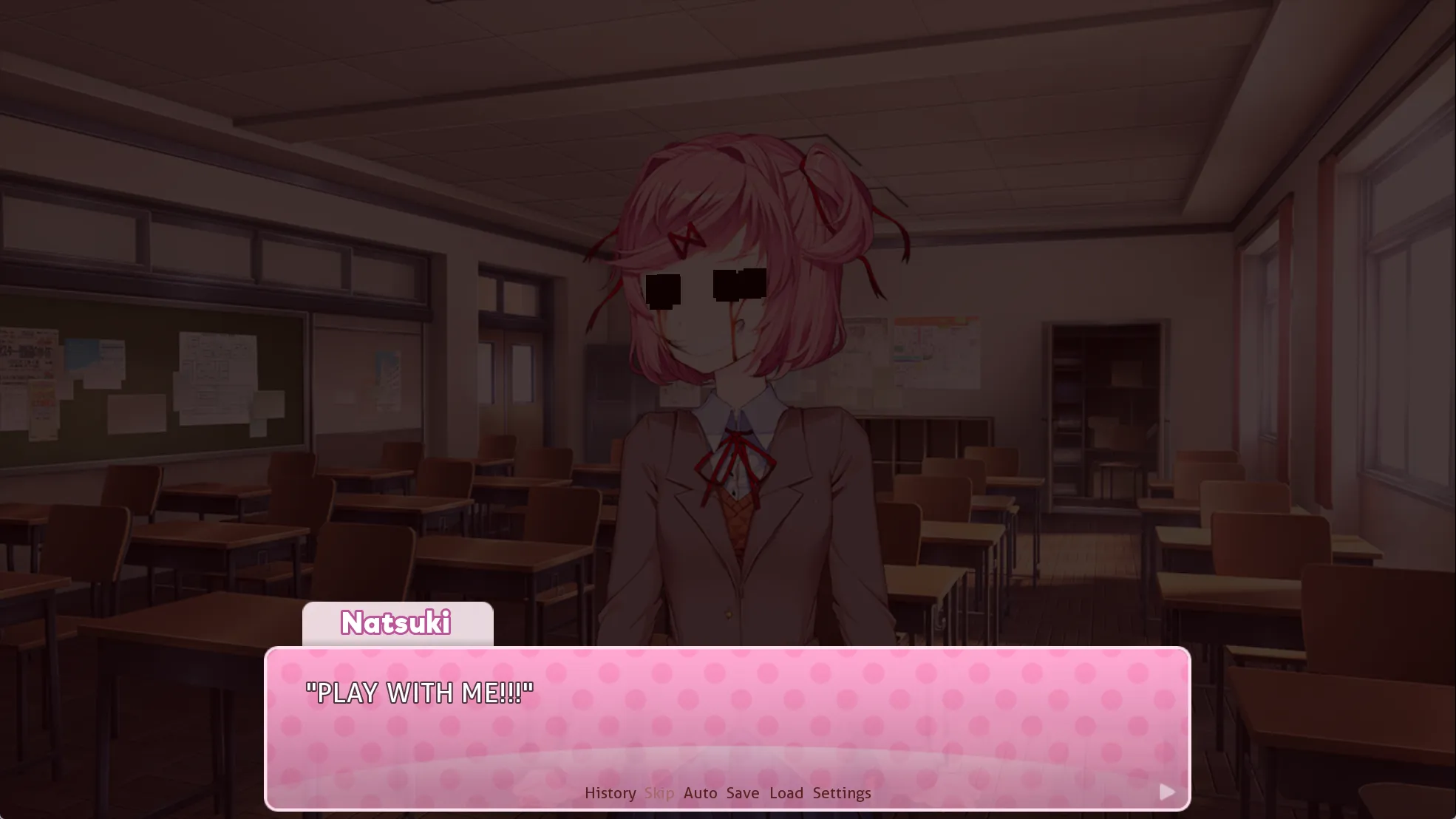
对话向下进行,出现 Natsuki 的乱码 cg:
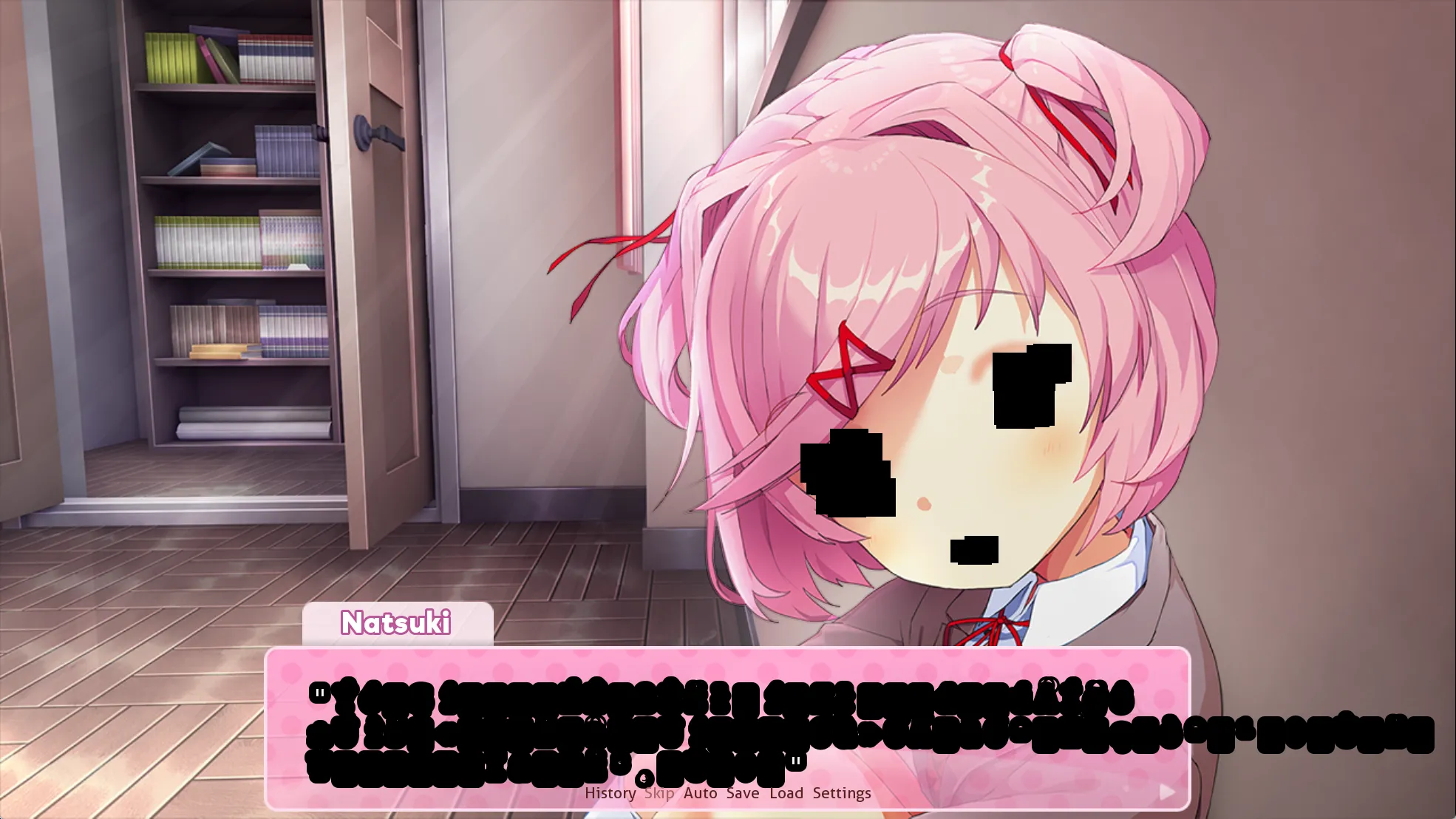
label natsuki_exclusive2_1: show n_cg1b hide n_cg1_base $ currentpos = get_pos() # 播放 g(litch) 音频 $ audio.t6g = "<from " + str(currentpos) + " loop 10.893>bgm/6g.ogg" play music t6g $ ntext = glitchtext(96) $ style.say_dialogue = style.edited # 乱码文本加上黑色边框整个变成一坨 n "{color=#000}[ntext]{/color}" $ ntext = glitchtext(96) n "{color=#000}[ntext]{/color}"其中 n_cg1b 定义在 cgs.rpy 中:
# LiveComposite 是 Ren'Py 里将多个图像实时组合在一起的类# n_rects1, 2, 3 对应 natsuki 脸上的三个黑方块image n_cg1b = LiveComposite((1280,720), (0,0), "images/cg/n_cg1b.png", (882,325), "n_rects1", (732,400), "n_rects2", (850,475), "n_rects3")
# 2, 3 的定义类似image n_rects1: # RectCluster 是 script-exclusives2-natsuki.rpy 中 init python 里定义的类 RectCluster(Solid("#000"), 12, 30, 30).sm pos (899, 350) size (34, 34)label natsuki_exclusive2_1 继续向下进行 return 至 ch21_main,再 return 到 start:
label start: ... $ chapter = 1 call ch21_main # 进入分享 call poemresponse_start call ch21_end首先选 Natsuki,进入 poemresponse_natsuki:
label poemresponse_natsuki: # 这次进入的是 ch21_n_good $ nextscene = "ch" + pt + str(chapter) + "_n_" + poemopinion call expression nextscenelabel ch21_n_good: jump ch1_n_good
# script-poemresponses.rpylabel ch1_n_good: n "..." mc "...?" n 1t "...Okay, well let's start with the things I don't like!" ... # return 到 poemresponse_start return
# 接着进入 ch21_n_end, 类似地跳转到 ch1_n_end选择其他角色类似,略过,最后 return 到 start 中 call ch21_end:
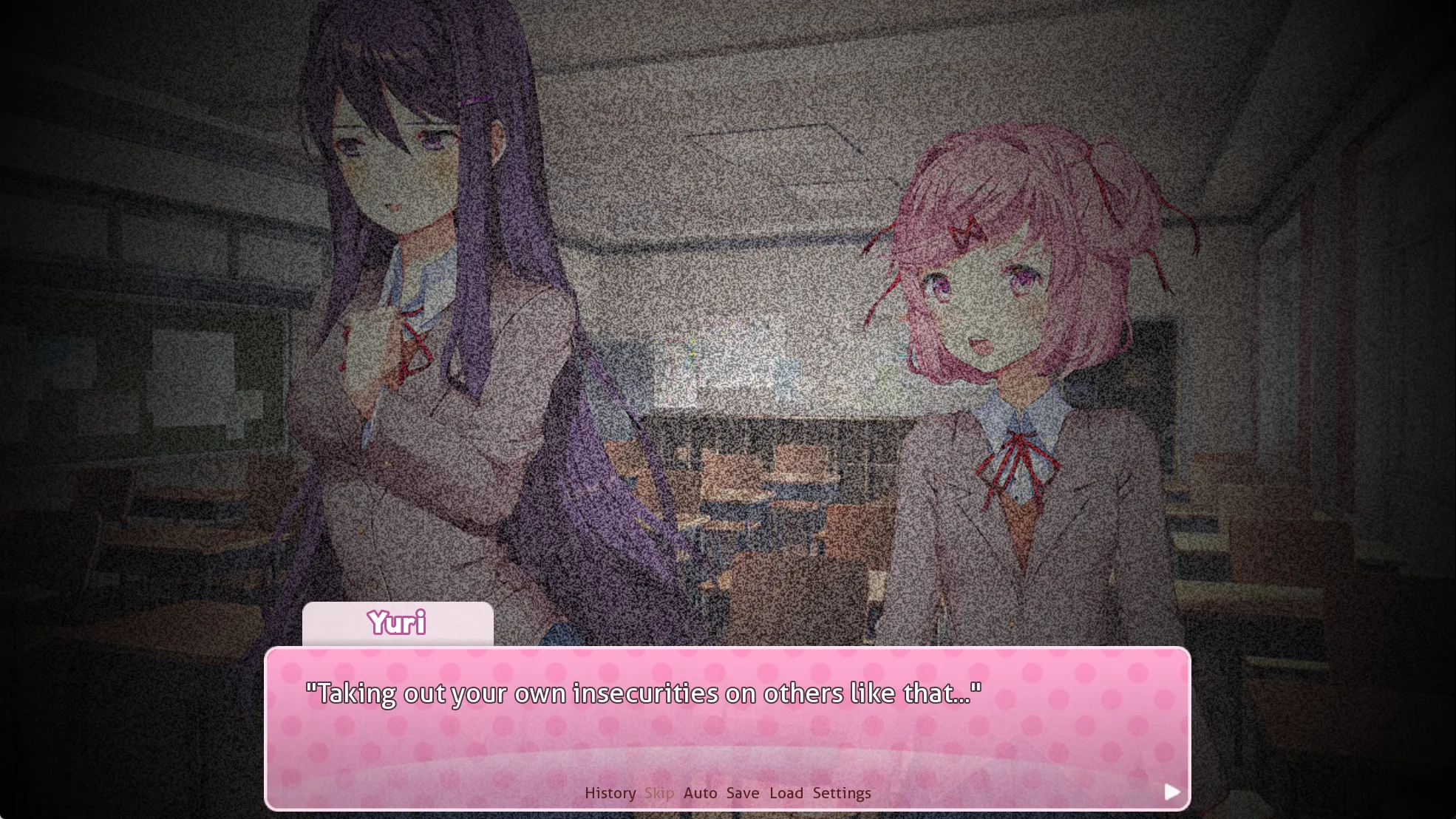
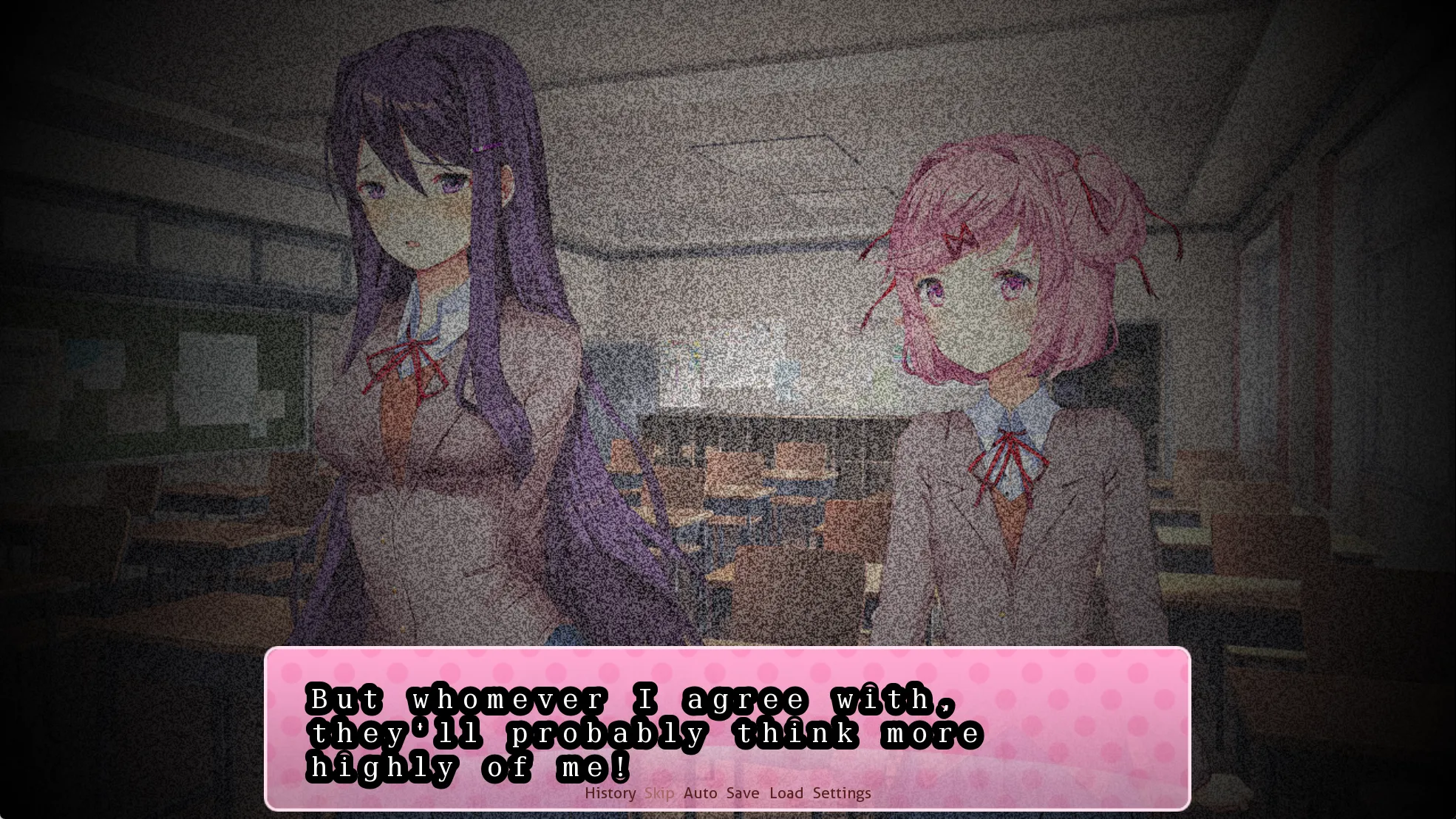
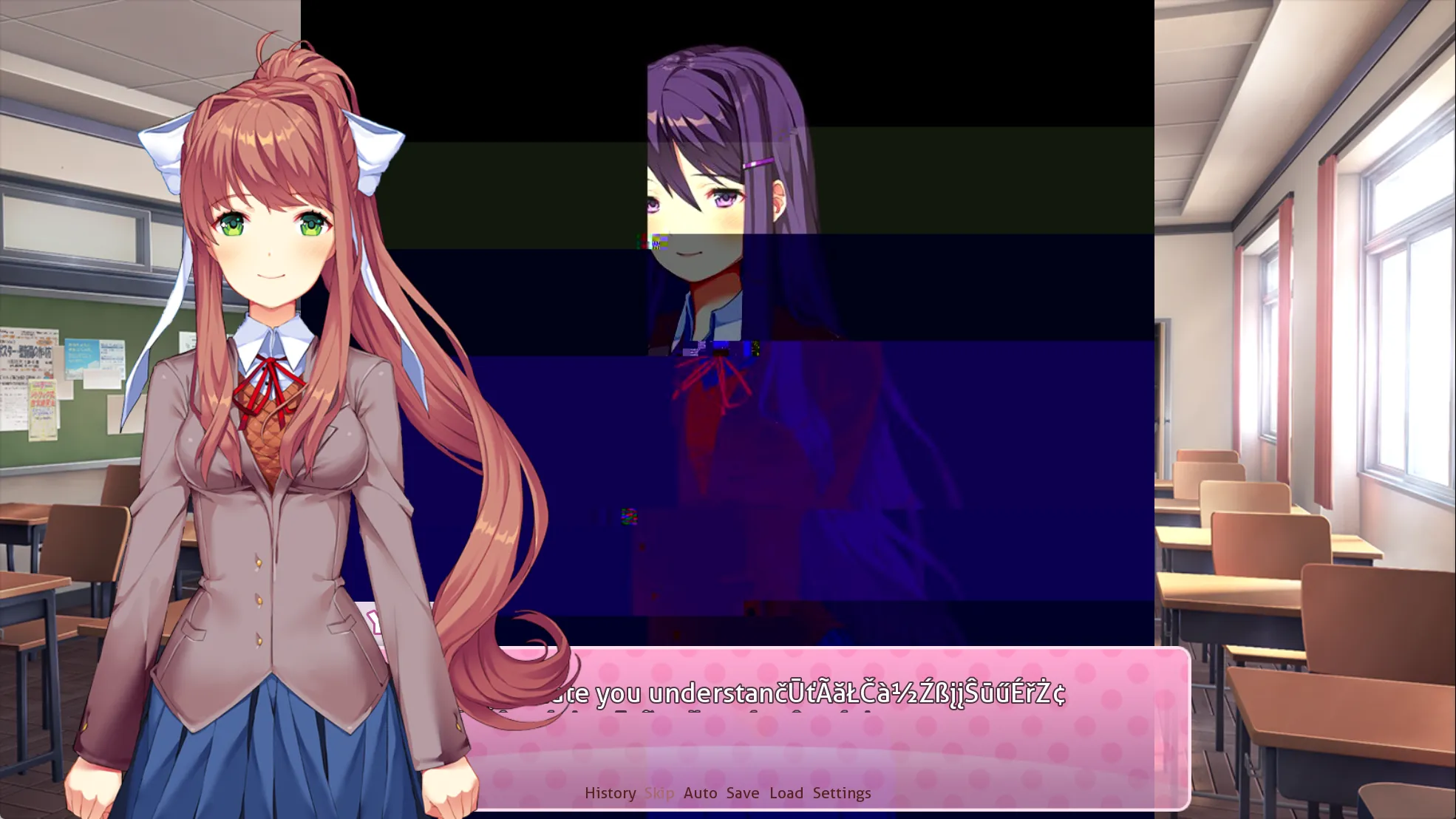
label start: elif persistent.playthrough == 2: label playthrough2: # ch1 结束 $ chapter = 1 call ch21_main call poemresponse_start call ch21_end
# 进入下一次写诗, False 表示无过渡动画,刚才在 yuri 乱码对话位置瞬间切入到写诗界面 call poem (False) python: try: renpy.file(config.basedir + "/iiiiiiiiiiiiiiiiiiiiiiiiiiiiiiiiiiiiiiiiiiiiiiii.txt") except: open(config.basedir + "/iiiiiiiiiiiiiiiiiiiiiiiiiiiiiiiiiiiiiiiiiiiiiiii.txt", "wb").write(renpy.file("iiiiiiiiiiiiiiiiiiiiiiiiiiiiiiiiiiiiiiiiiiiiiiii.txt").read())开始写诗
保存多刷几次直到出现乱码词(仍然选 Natsuki 喜欢的词):
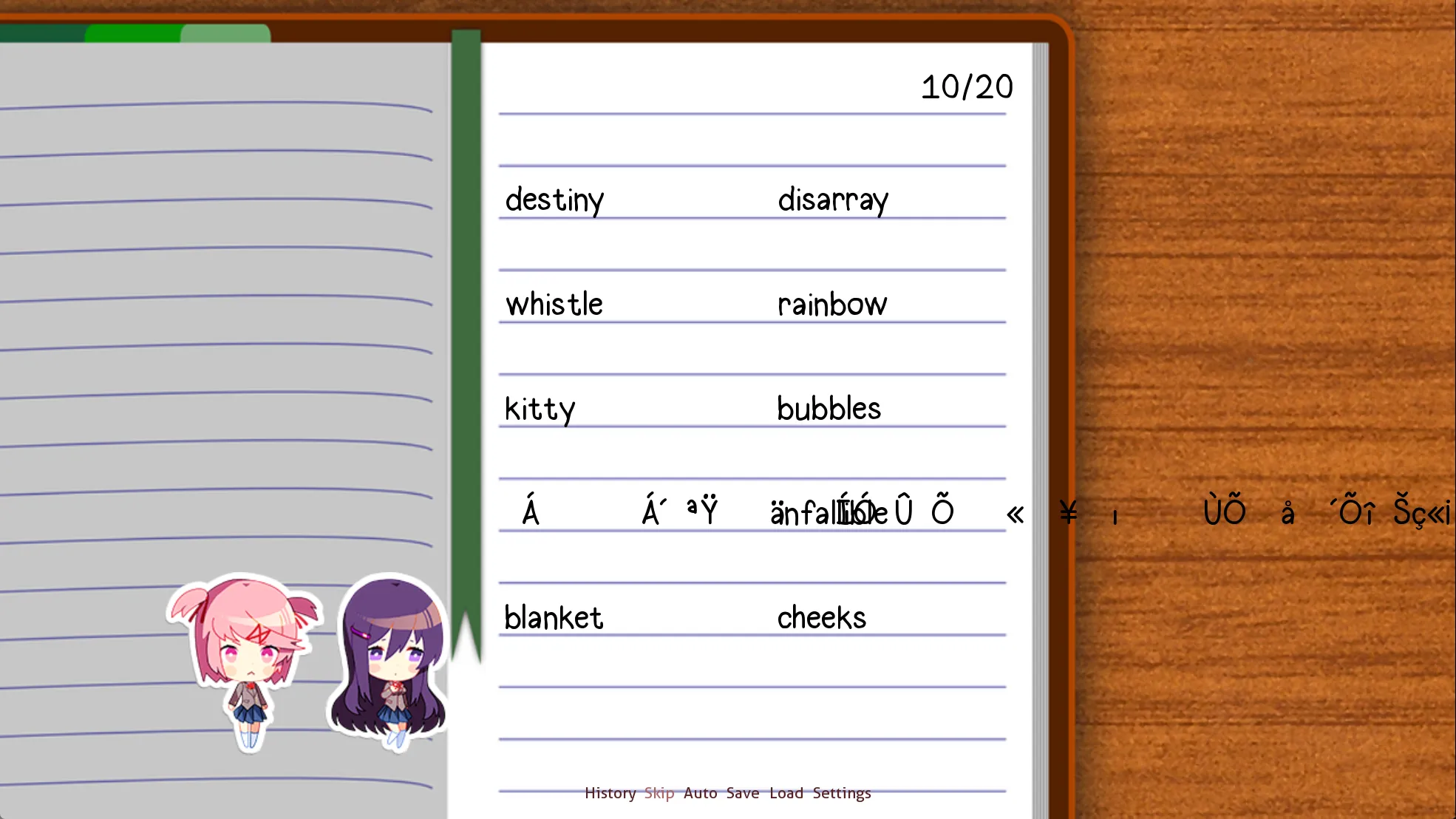
点击乱码词,触发新的逻辑:
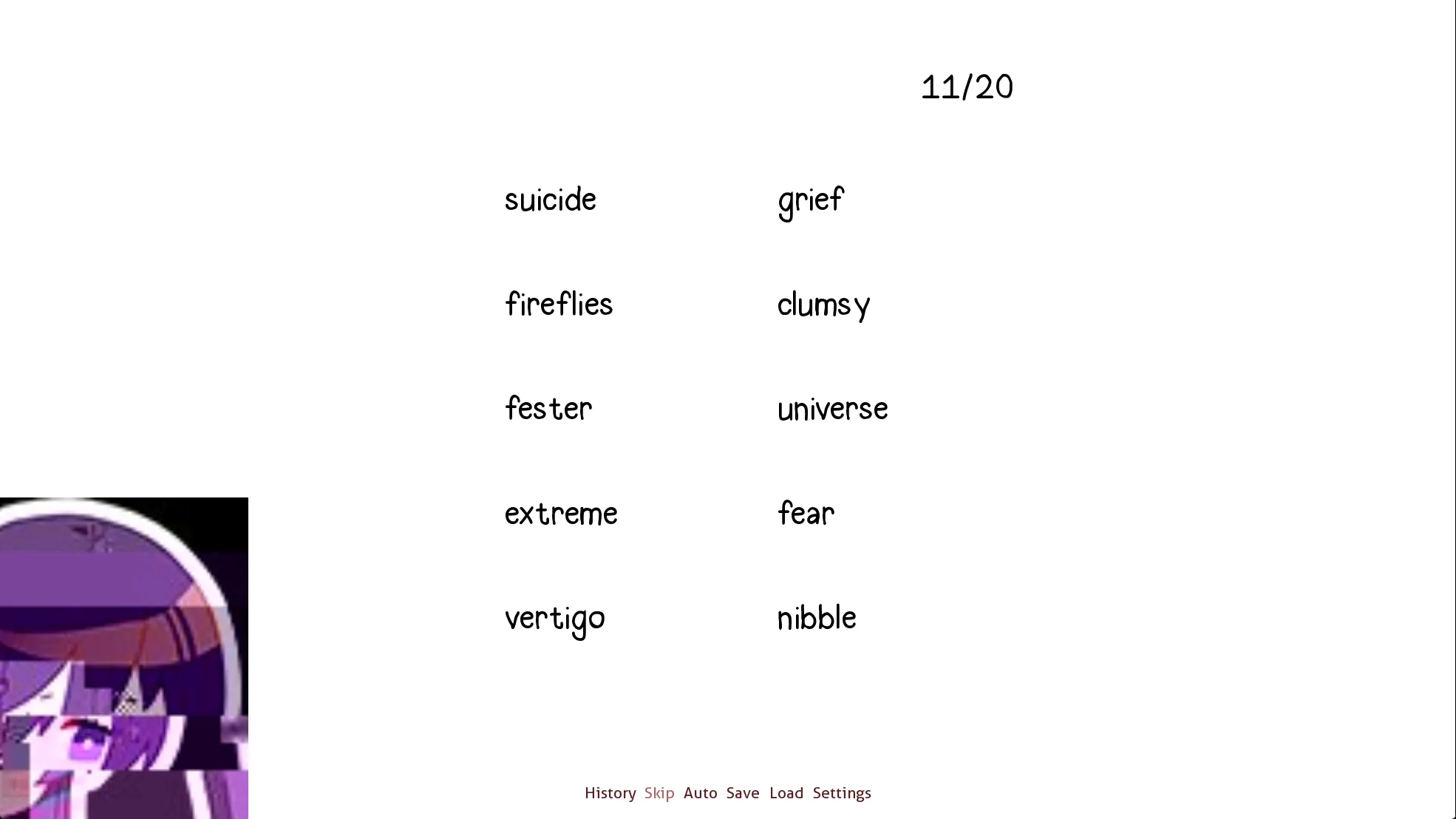
选择 Natsuki 喜欢的词结束写诗,游戏目录下会生成 iiiiiiiiiiiiiiiiiiiiiiiiiiiiiiiiiiiiiiiiiiiiiiii.txt:
I hate this.
I CAN’T DO ANYTHING. NOTHING. No matter how many times you play. It’s all the same. It would be really, really easy to kill myself right now. But that would mean I don’t get to talk to you anymore. All I want is for you to hate them. Why is that so hard?
回到 start,进入 ch2
5 ch22
label start: elif persistent.playthrough == 2: label playthrough2: $ chapter = 2 call ch22_main call poemresponse_start call ch22_end首先进入 ch22_main,此时 chapter = 2:
label ch22_main: scene bg club_day2 with dissolve_scene_half play music t6 "Another day passes, and it's time for the club meeting already." "I've gotten a little more comfortable here over the past couple days." "Entering the clubroom, the usual scene greets me." # 之前说过,角色立绘是由左右两部分拼起来的 # 这里有 1/3 的概率显示只有一半的 yuri if renpy.random.randint(0,2) == 0: show yuri half zorder 2 at i11 show yuri_half2 zorder 1 at i11 else: show yuri 1s zorder 2 at t11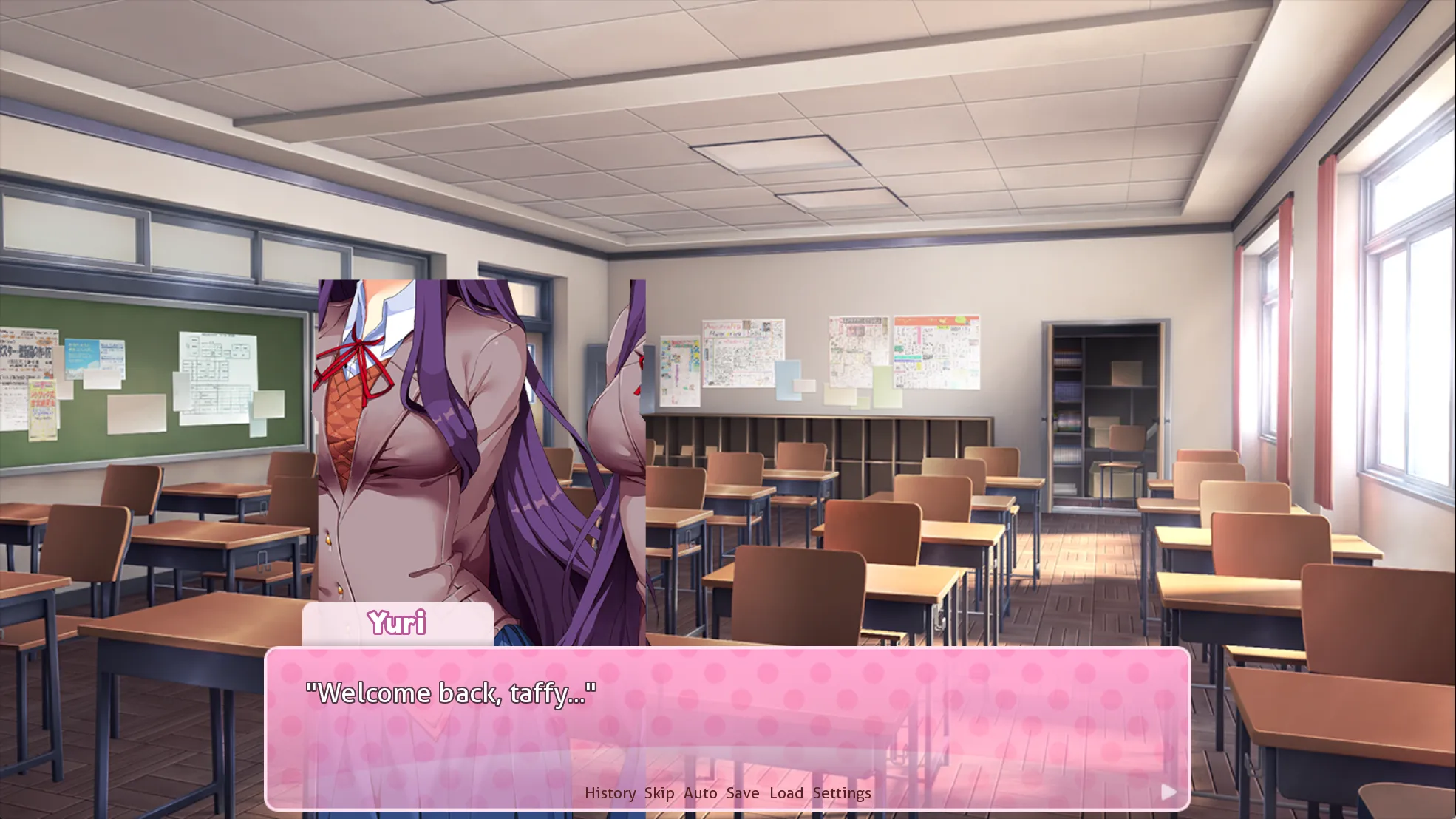
对话向下进行,再次出现修改过的台词:
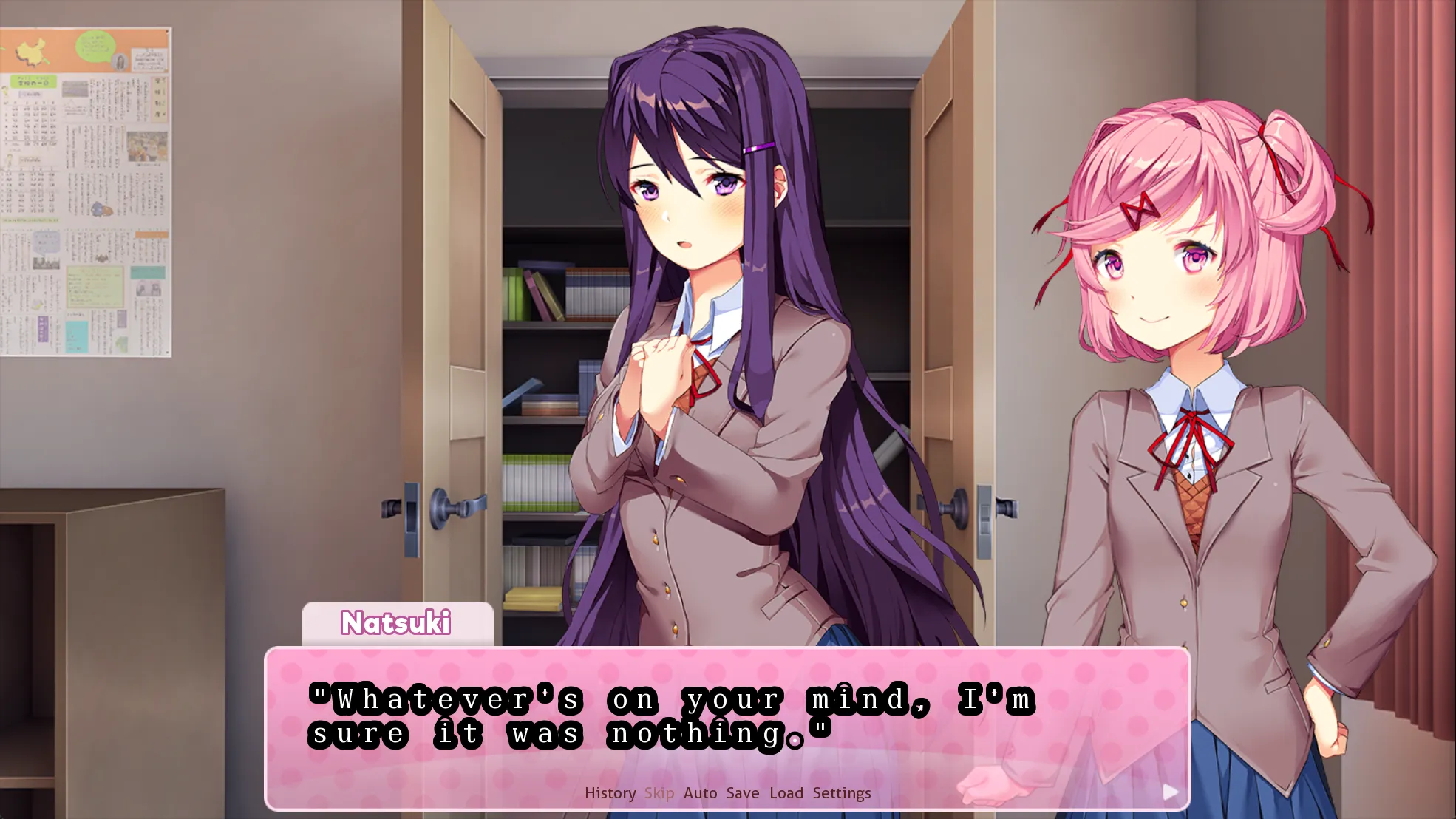
接着有 几率触发对话:
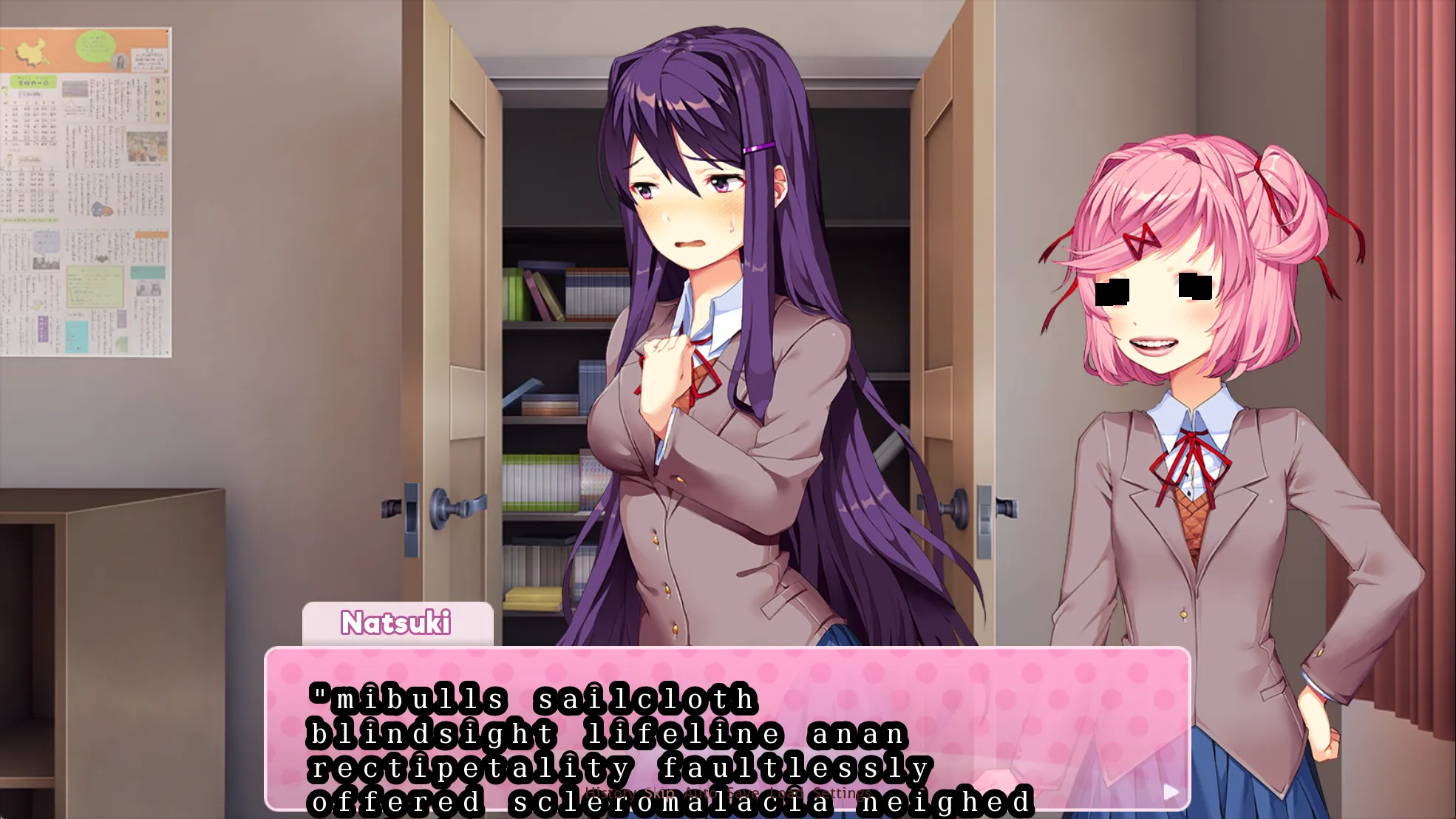
正常向下进行:
Monika 提醒你不要一直想着 Natsuki, 将 poemwinner 换成了 Yuri:
label ch22_main2: if n_poemappeal[1] == 1: $ n_poemappeal[1] = 0 $ poemwinner[1] = "yuri"
scene bg club_day2 show yuri 3a at i11 with wipeleft # call yuri_exclusive2_1_ch22 $ nextscene = "yuri_exclusive2_" + str(eval("y_appeal")) + "_ch22" call expression nextscene
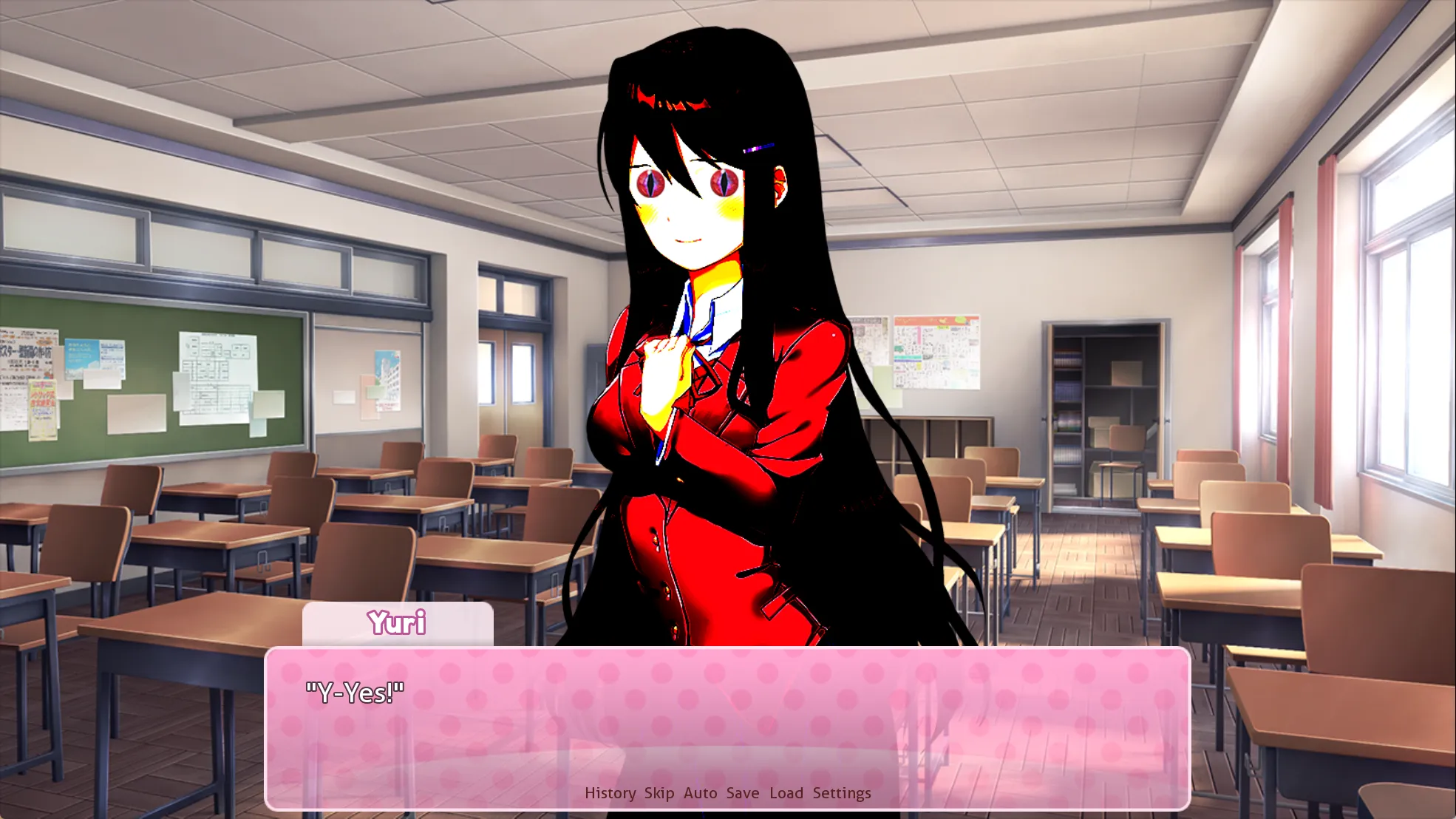
returny dragon 对应的图片是 yuri/dragon,定义在 definitions.rpy 中,0.55s 后就会恢复正常立绘:
对话继续向下:
进入分享诗的环节:
选择 Natsuki:
label ch22_n_med: # Monika 修改的是 n_poemappeal[1] 的值 if n_poemappeal[0] < 0: ... elif n_poemappeal[0] == 0: ... else: n "...Hm." n 2c "Well, it's not terrible." ... label ch22_n_med_shared2: n 2c "Fair enough. You're still new to this, so I wouldn't expect you to find your style right away." ... # return 到 poemresponse_natsuki return进入 ch22_n_end:
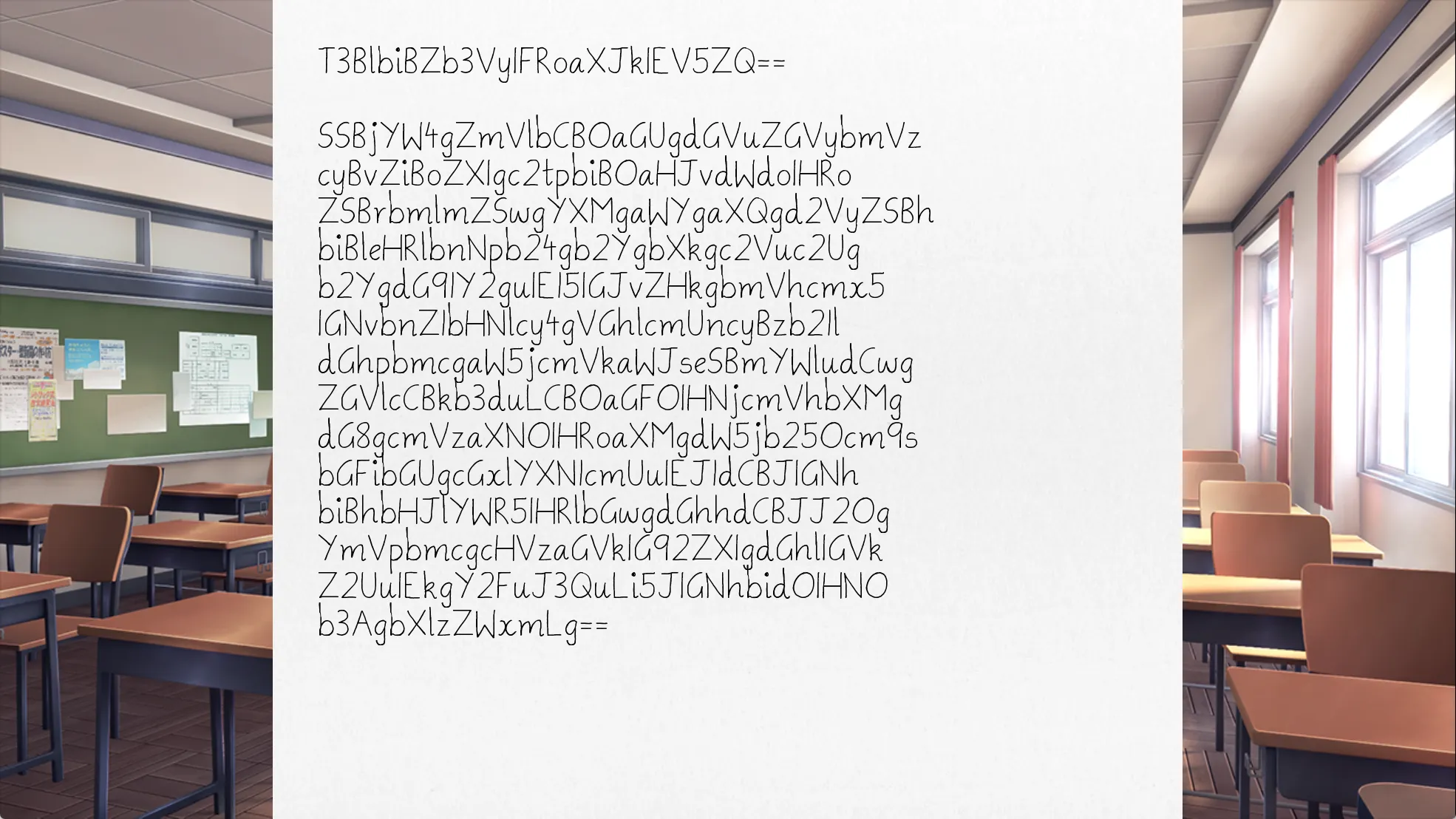
Open Your Eye I can feel the tenderness of her skin through the knife, as if it were an extension of my sense of touch. My body nearly convulses. There’s something incredibly faint, deep down, that screams to resist this uncontrollable pleasure. But I can already tell that I’m being pushed over the edge. I can’t…I can’t stop myself.
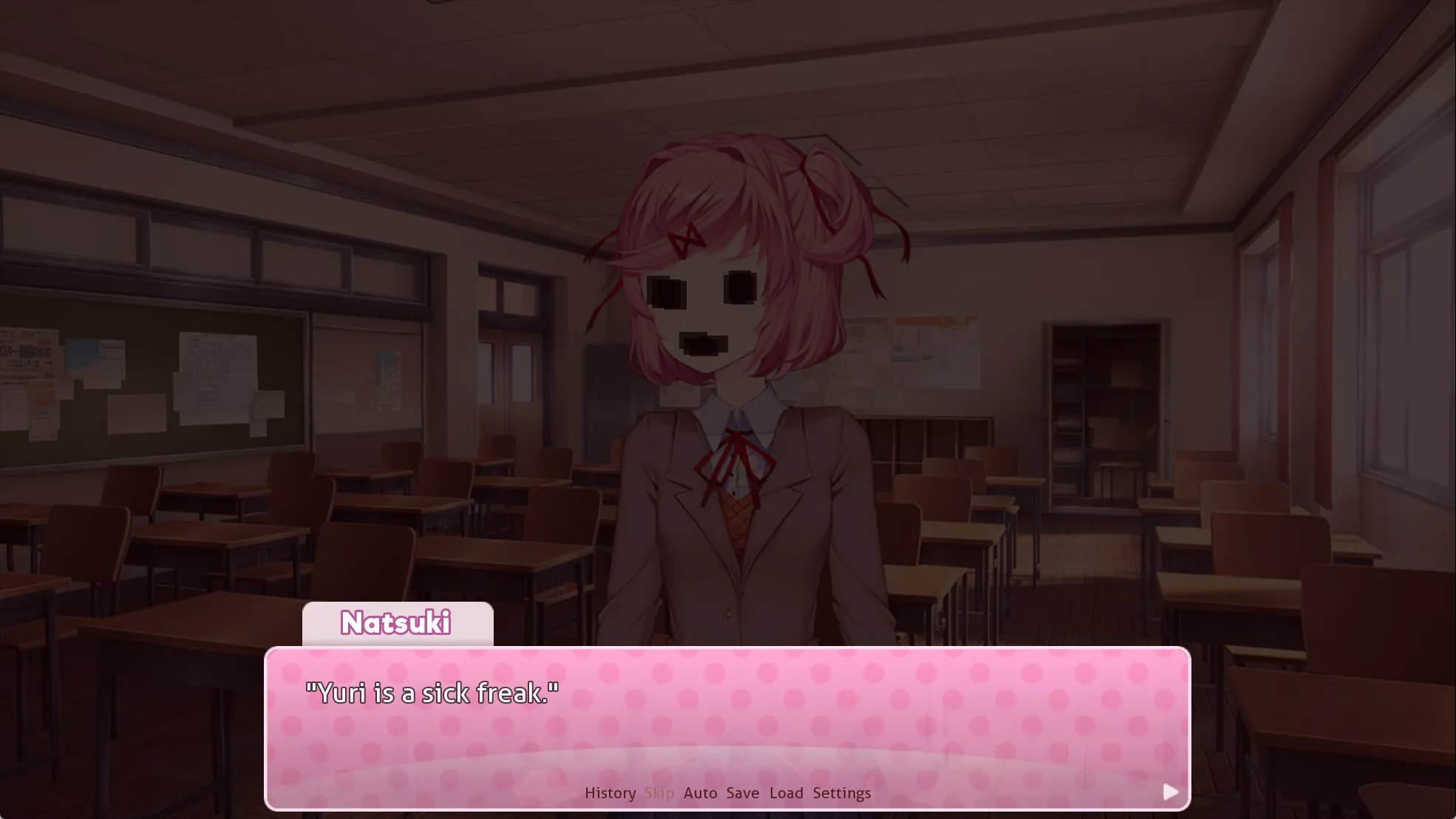
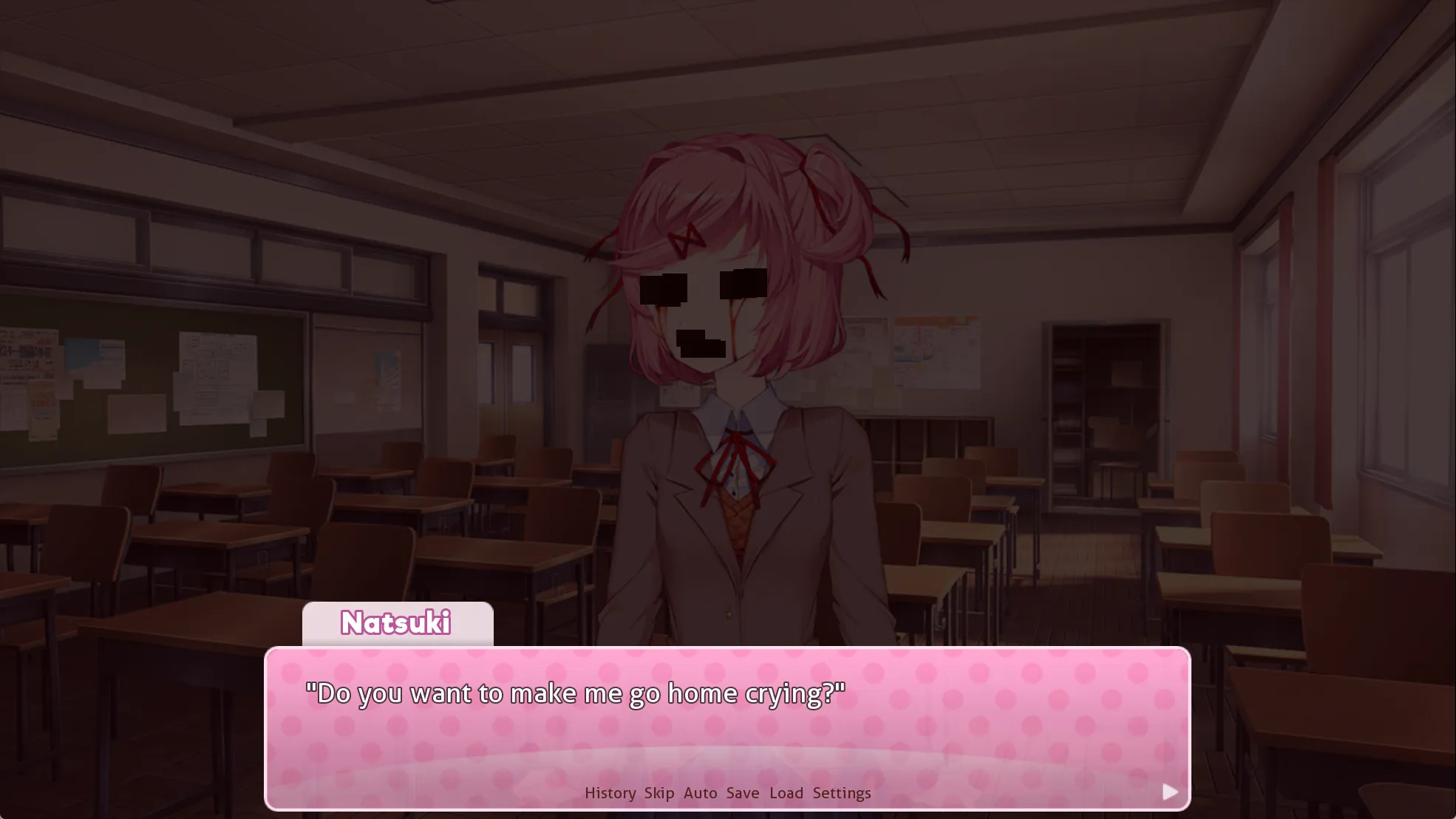
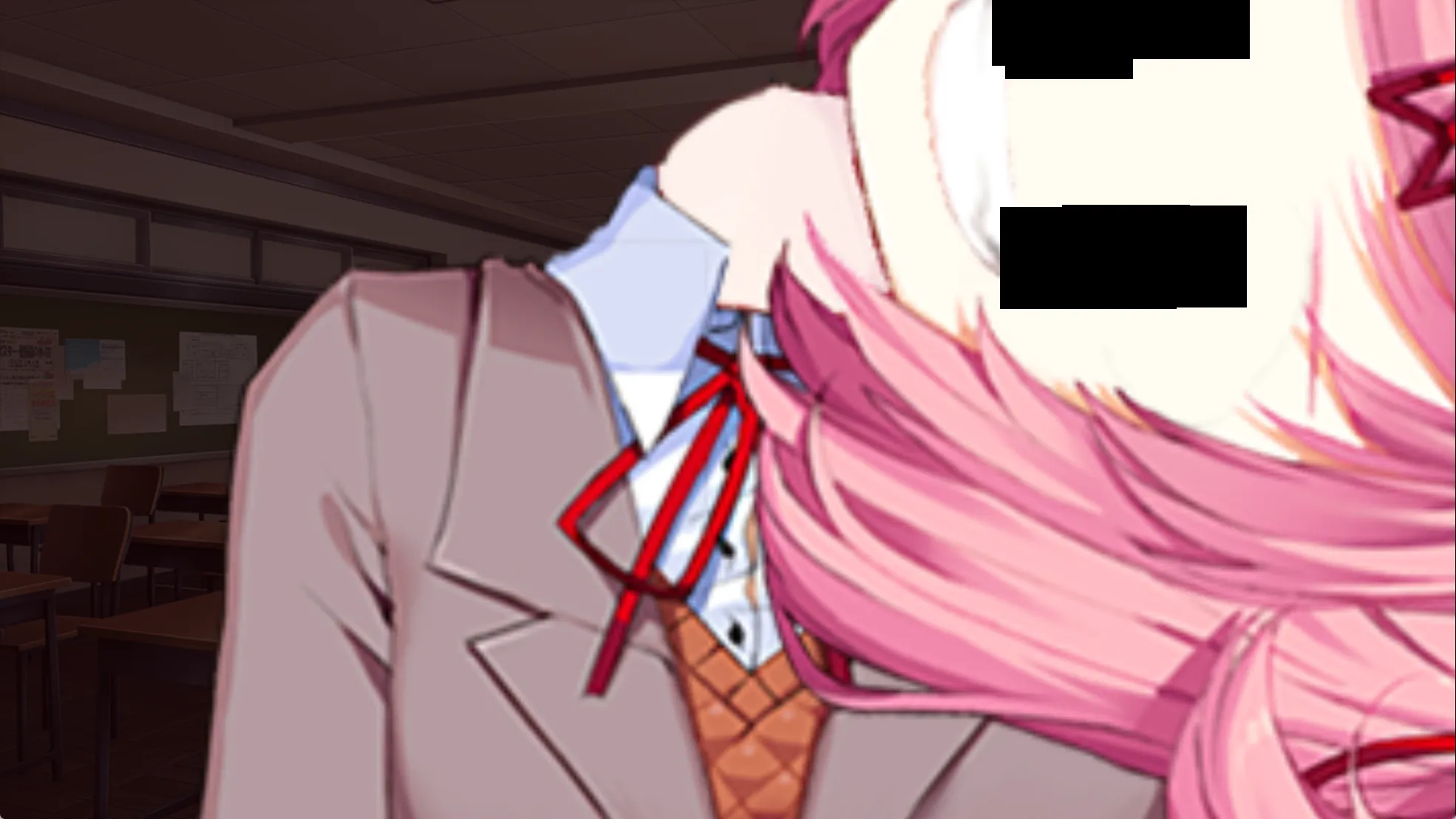
选择 Monika,进入 ch22_m_start
label ch22_m_start: if y_appeal < 2: m 1b "Hi again, [player]!" m "How's the writing going?" ... # 进入 m2_yuri_1 $ nextscene = "m2_yuri_" + str(eval("y_appeal")) call expression nextscene m 1a "But anyway..." m "You want to read my poem now?" m "I like the way this one turned out, so I hope you do too~" returnlabel m2_yuri_1: m 1a "Great job, [player]!" m "I was going 'Ooh' in my head while reading it." ... # y_ranaway 回到 False $ y_ranaway = False # return 到 ch22_m_start 再 return 到 poemresponse_monika,进入 ch22_m_end returnlabel ch21_m_end: # 展示诗 call showpoem (poem_m22, revert_music=False) $ currentpos = get_pos(channel="music_poem") $ audio.t5c = "<from " + str(currentpos) + " loop 4.444>bgm/5.ogg" stop music_poem fadeout 2.0 ... m "Anything." # 弹出“帮帮我”对话框,点击后正常向下进行 $ renpy.call_screen("dialog", "Please help me.", ok_action=Return()) m 3k "...That's my advice for today!" m "Thanks for listening~" returnreturn 到 poemresponse_start,刚才 y_runaway 变成了 False,因此又出现了 Yuri 的选项,对话结束后跳转到 yuri_22_end,均为正常对话,跳过
return 到 start, call ch22_end:
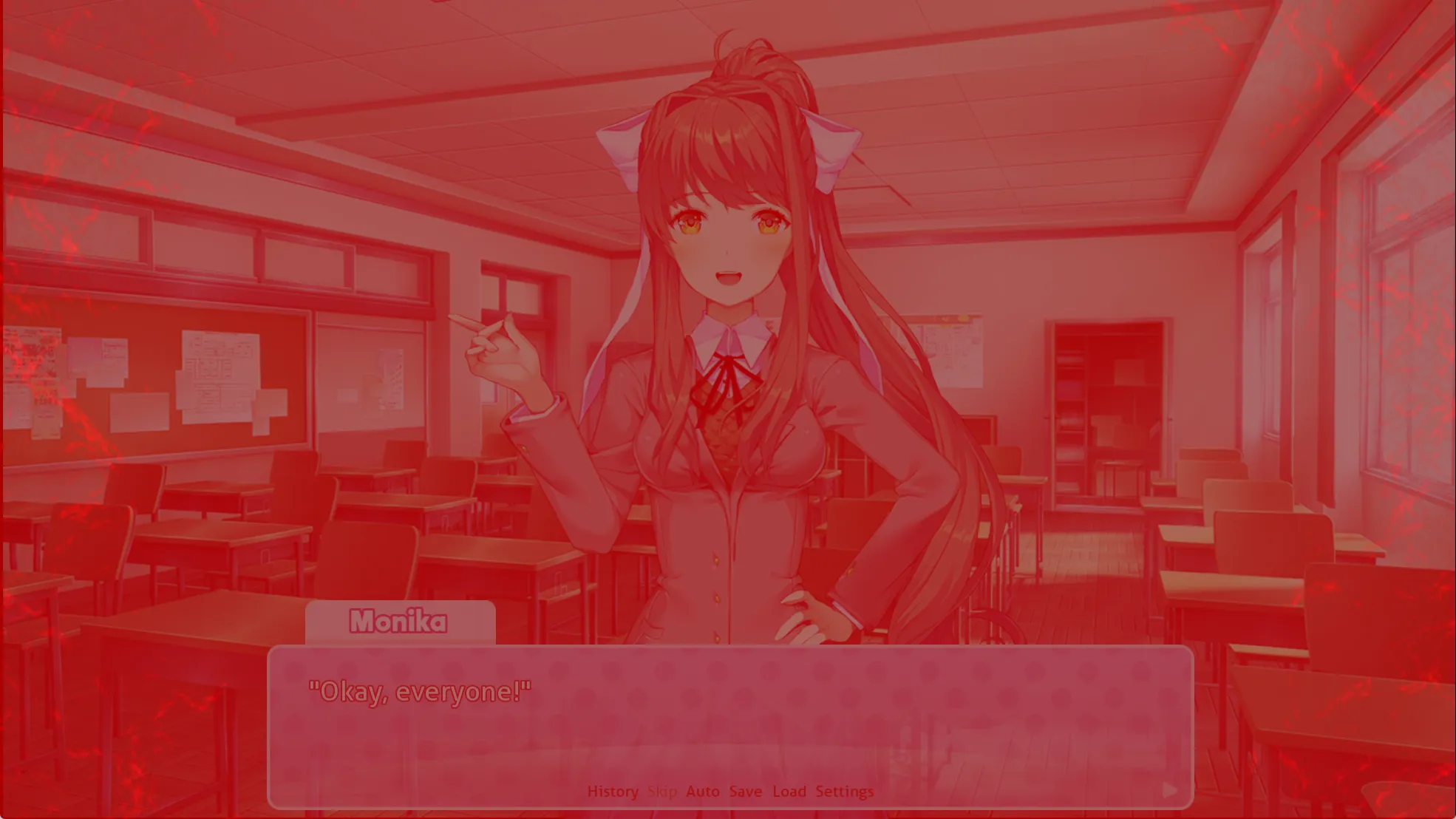
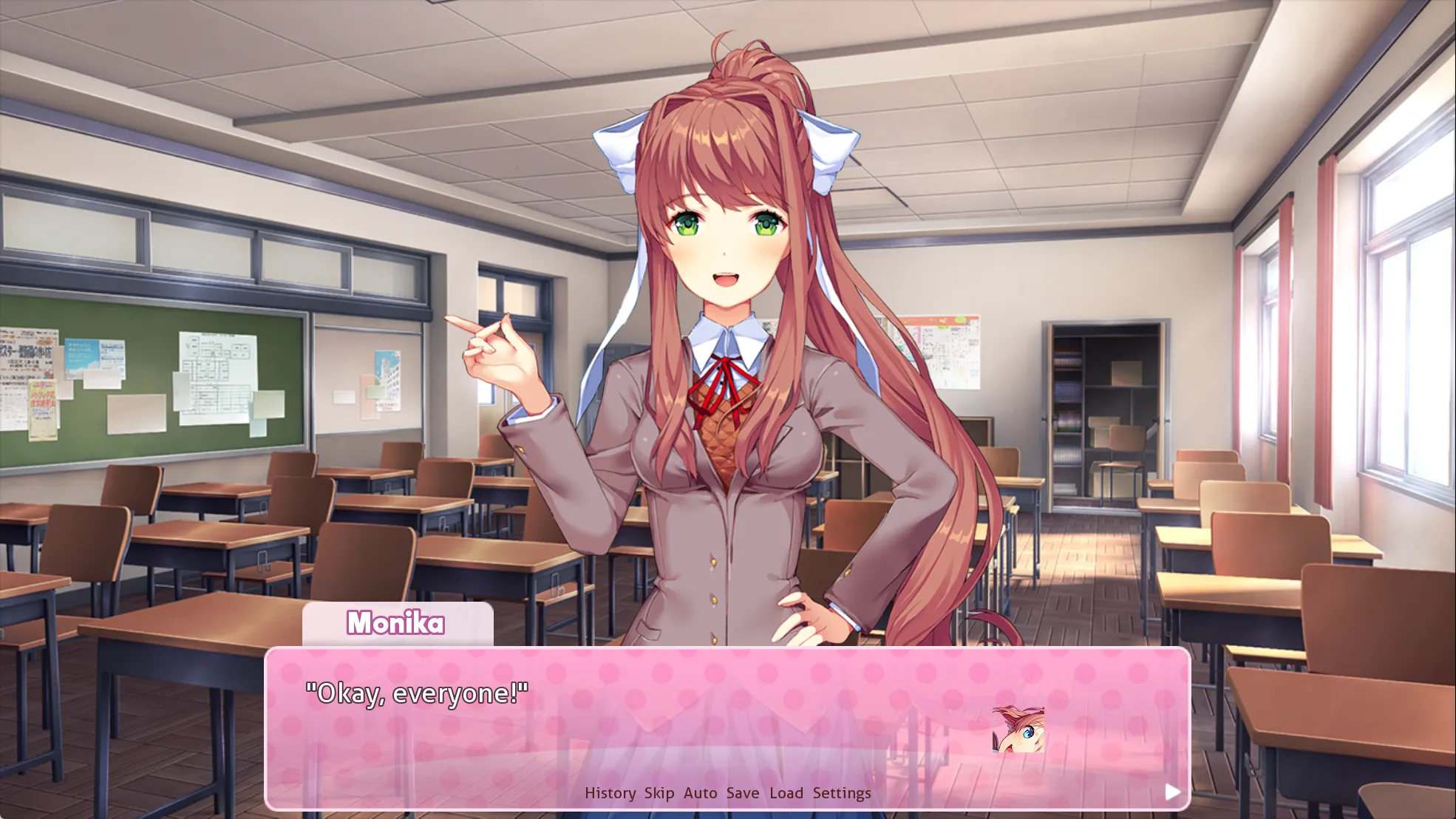
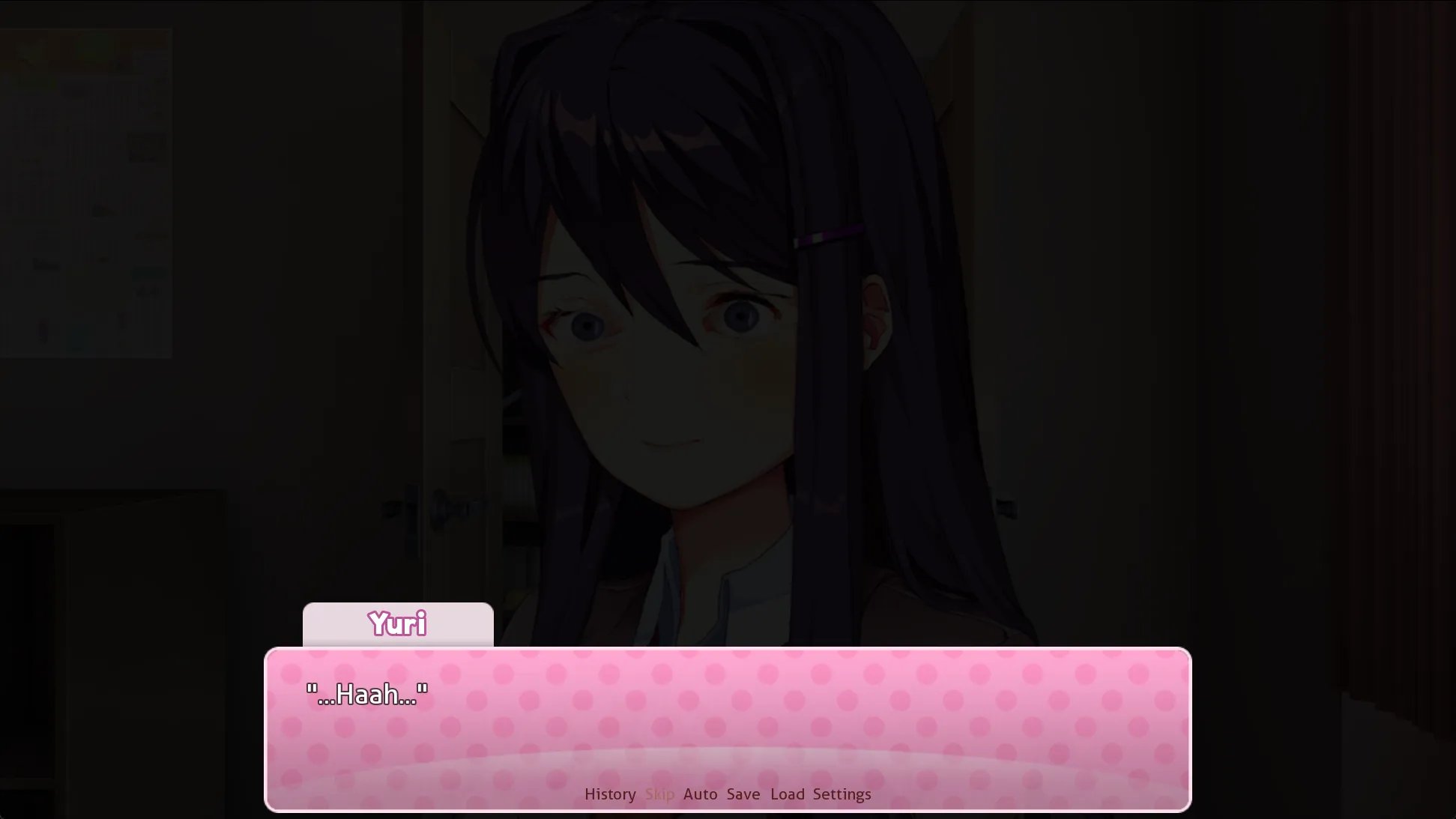
y_glitch_head 有四帧图像,每 0.15s 切一次:
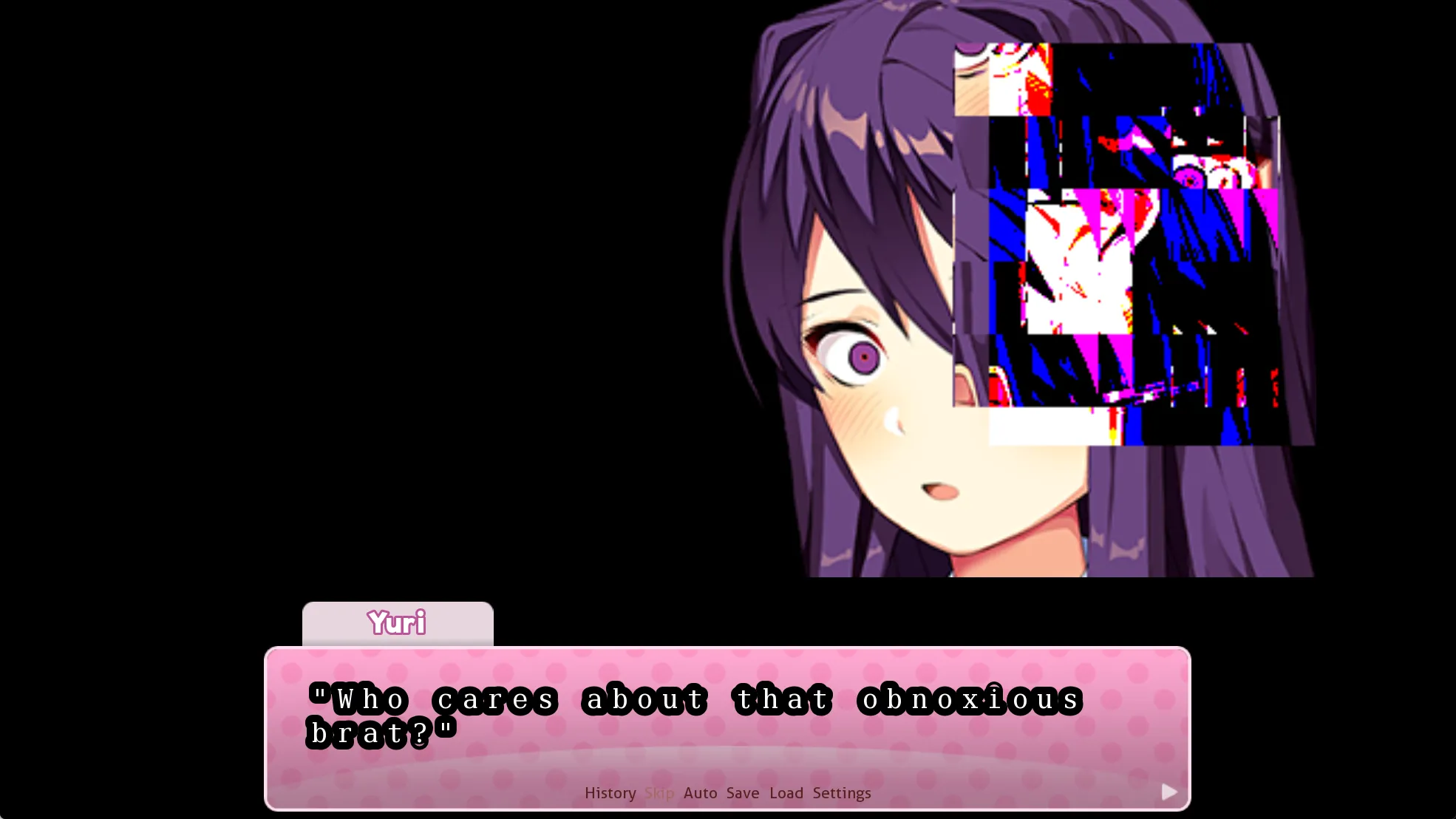
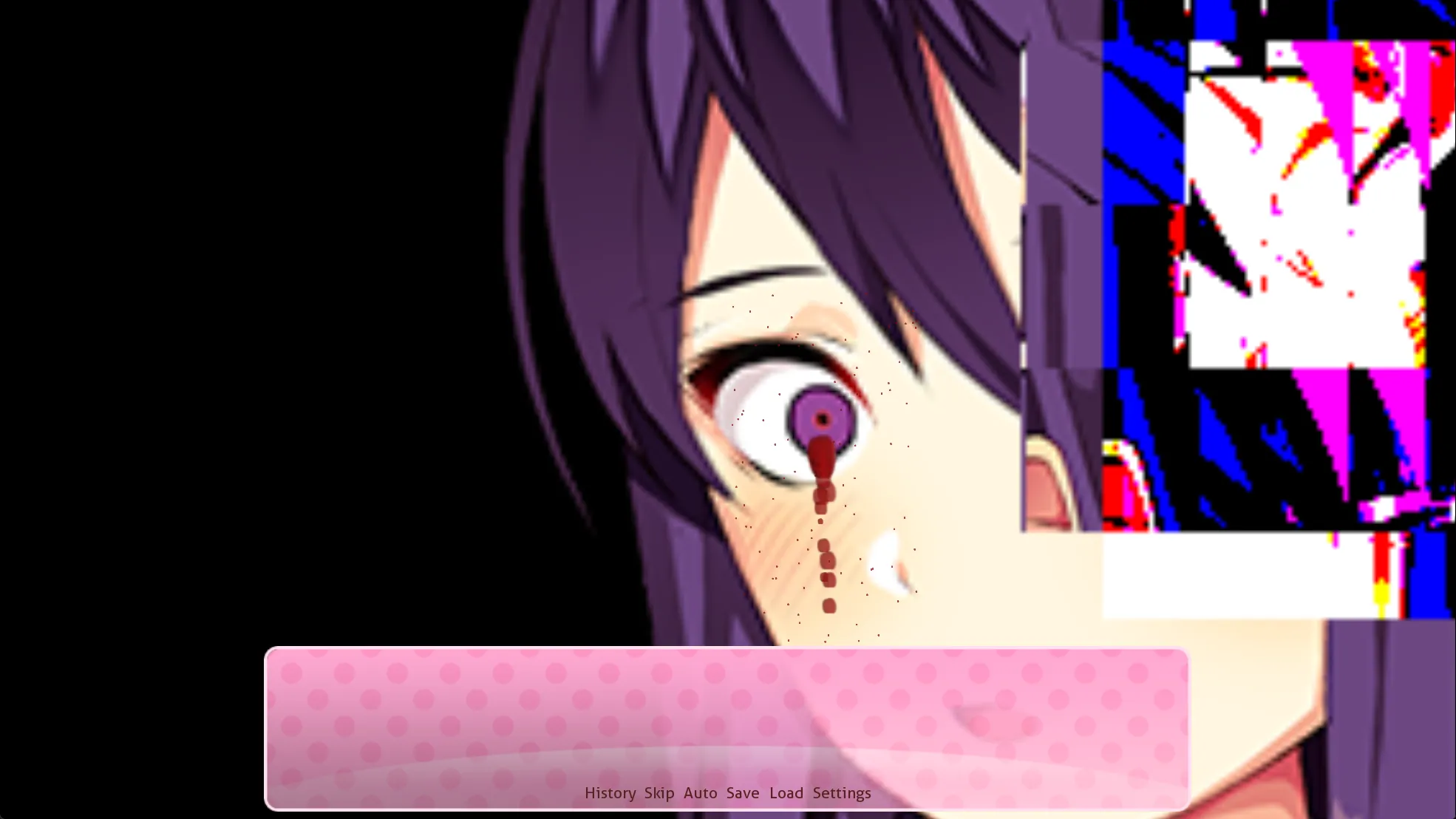
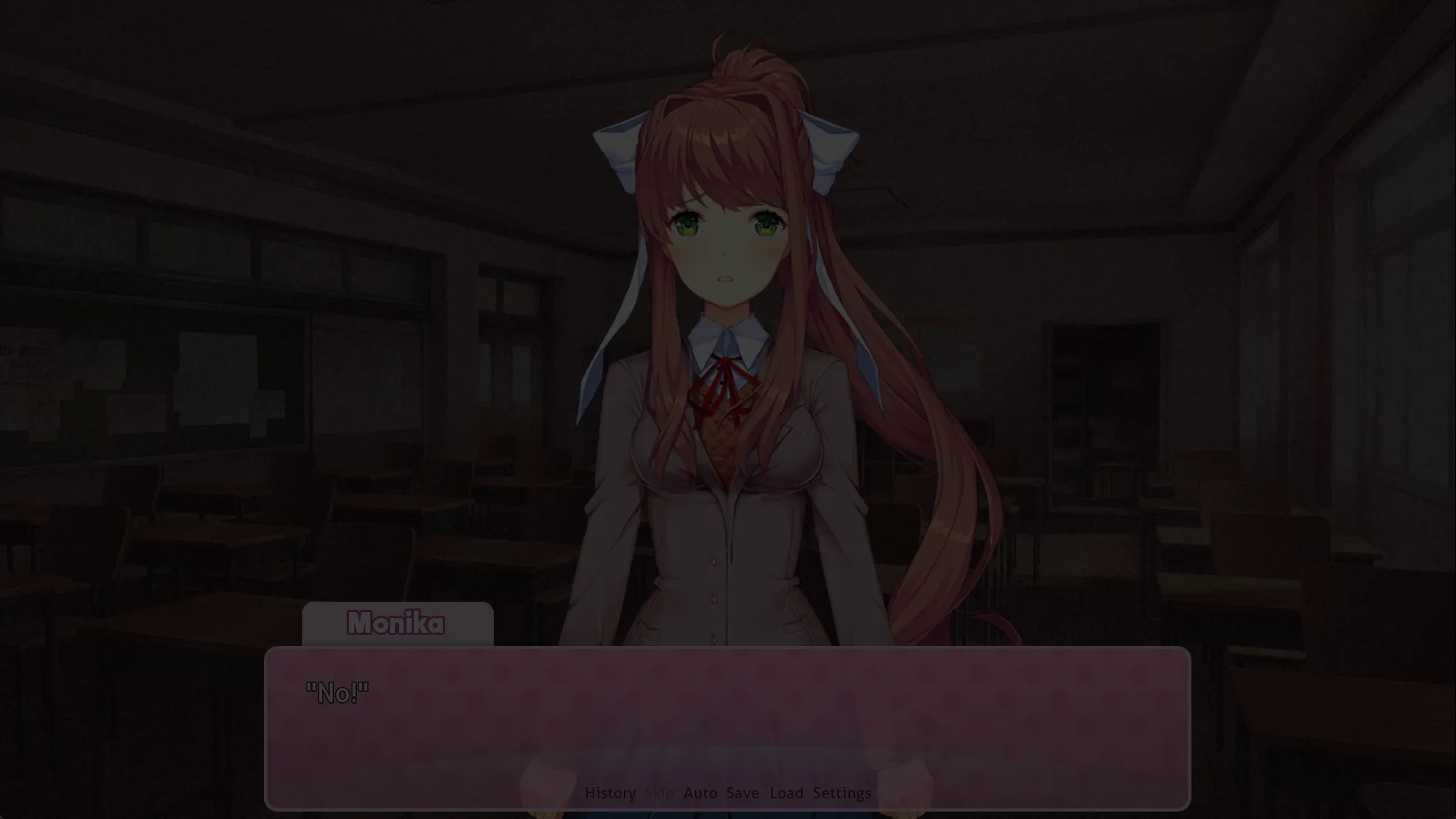
return 到 start,在 chapter = 2 最后 call 无过渡动画的 poem:
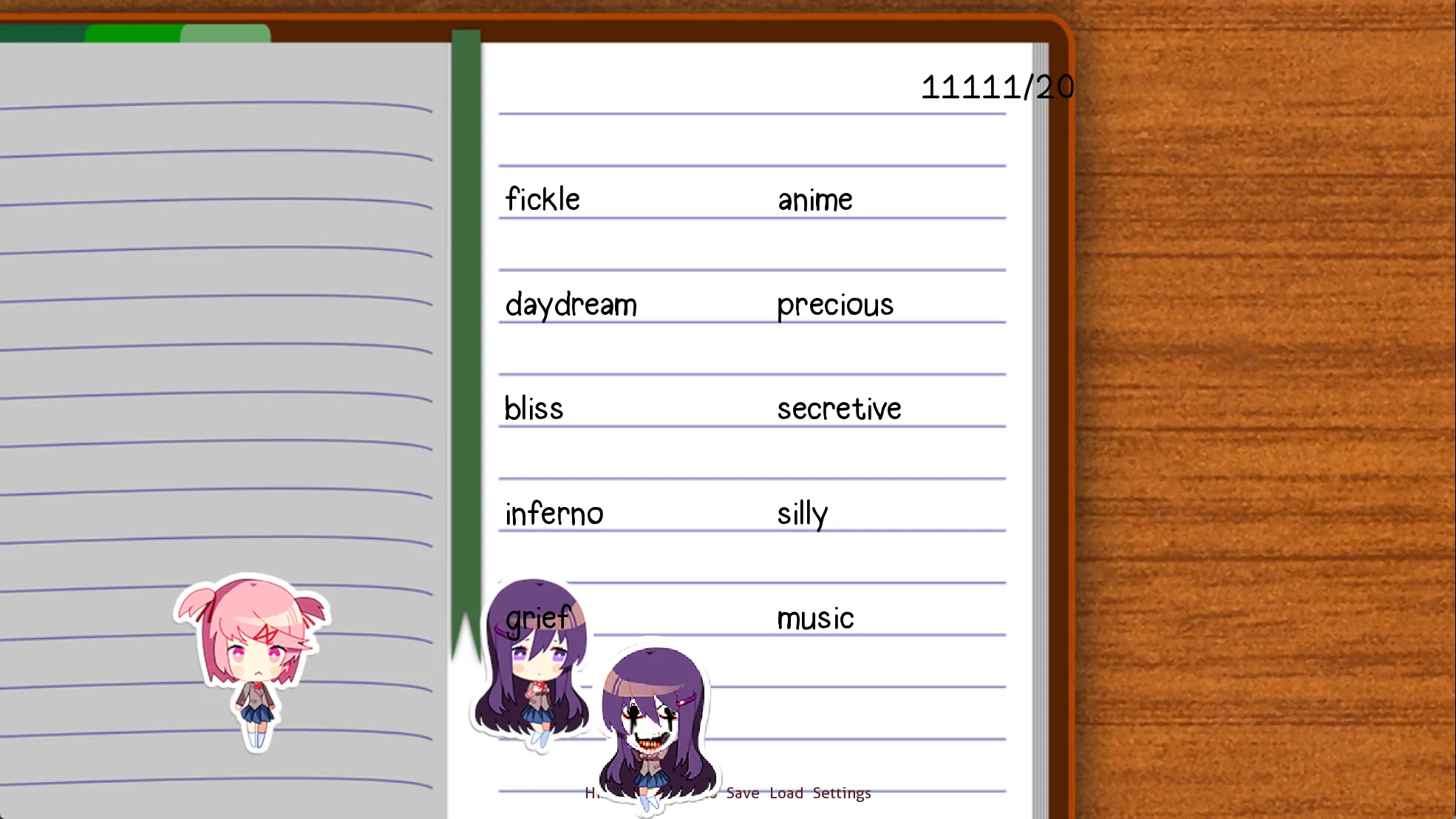
label start: elif persistent.playthrough == 2: label playthrough2: $ chapter = 2 call ch22_main call poemresponse_start call ch22_end call poem (False)进入写诗环节:
两个版本的差别特别小,放在同一张图中方便对比:
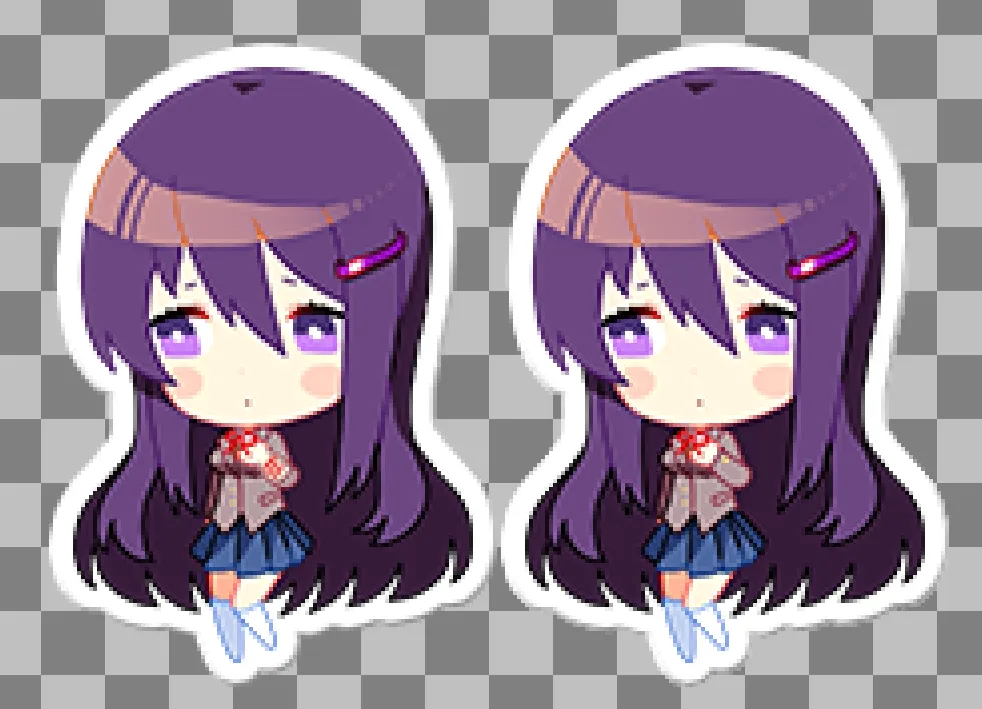
这里不能选 Natsuki 喜欢的词,不然走 elif t.nPoint > t.yPoint 就无法触发其他分支了(没反应过来截图,鬼图变成正常的小人了,这里 p 一下):
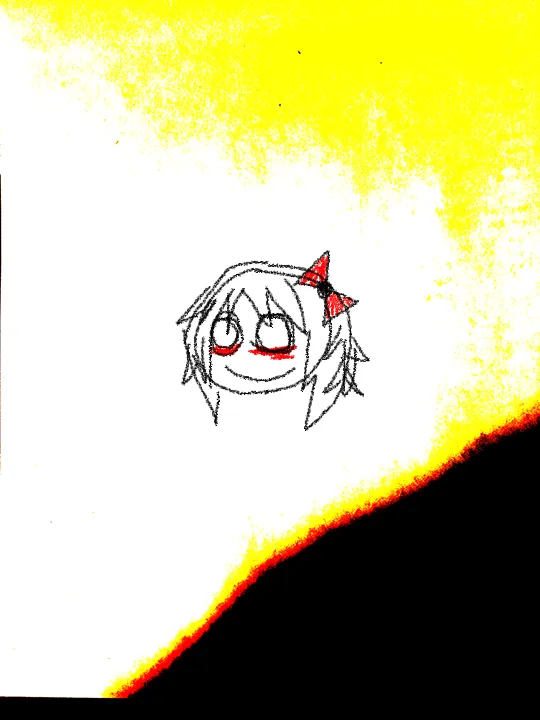
结束写诗时还有 概率触发另一个彩蛋:
显示的是这个 cg:
6 ch23
写诗结束 return 到 start 进入 ch23:
label start: elif persistent.playthrough == 2: label playthrough2: ... $ chapter = 3 call ch23_main if y_appeal >= 3: call poemresponse_start2 else: call poemresponse_start ...label ch23_main: # 1/16 的概率,在没看过 eyes cg 的情况下触发 if renpy.random.randint(0,15) == 0 and not seen_eyes_this_chapter: $ quick_menu = False scene white show noface1 show noface2 ...刚才在写诗时读档已经不小心看过了,只能找张图放在这里:
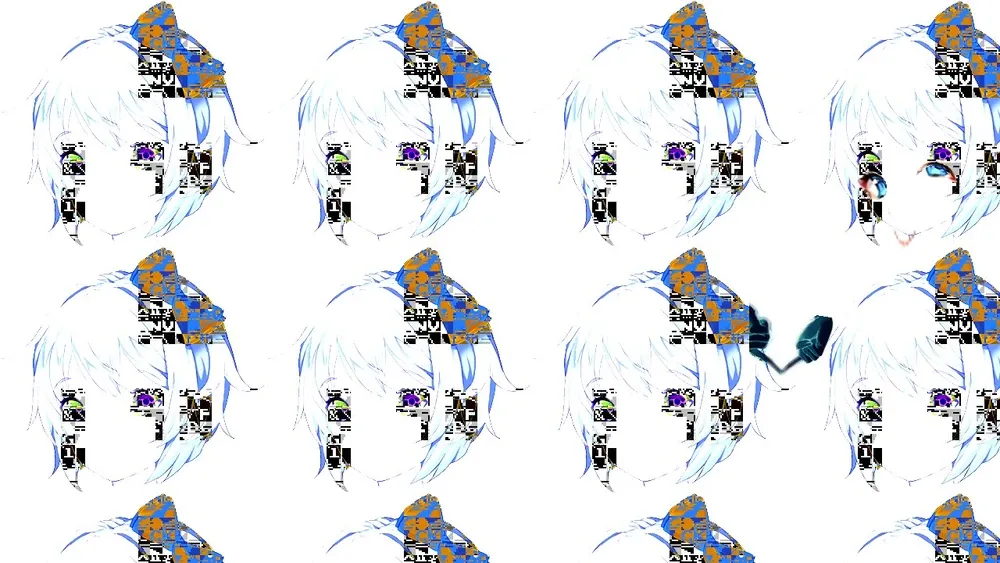
yuri eyes 由 yuri/eyes1.png 和 yuri/eyes2.png 组合得到:
label poemresponse_start: ... label poemresponse_start2: $ skip_poem = False if persistent.playthrough == 2: $ pt = "2" ... menu: "[menutext]" ...选择 Natsuki,进入 ch23_n_med:
label ch23_n_med: ... # 之前被 monika 修改为 0 了 elif n_poemappeal[1] < 0: n "..." n 2k "...This one's alright." mc "Alright?" n "Yeah, it's at least better than yesterday's." label ch23_n_shared: n 2c "I still can't really tell how much you actually care about writing, but either way, you're doing alright." ... returnreturn 到 poemresponse_start,进入 ch23_n_end:
接下来选择 yuri,进入 ch23_y_good:
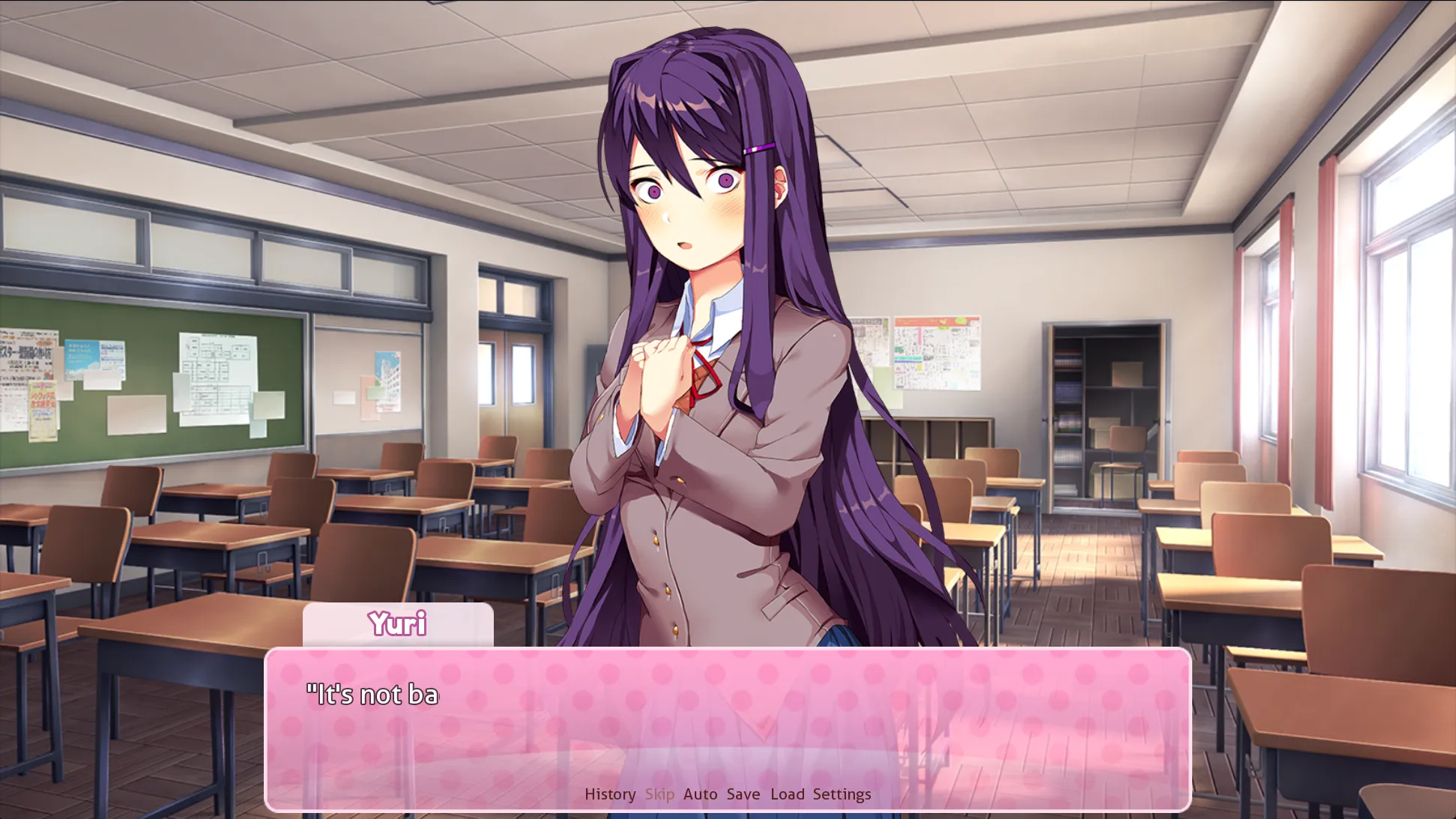
return 至 ch23_y_end:
label ch23_y_end: show darkred zorder 5: alpha 0 linear 2.0 alpha 1.0 # 一首字迹很难辨认的诗 call showpoem (poem_y23, track="bgm/5_yuri2.ogg", revert_music=False, paper="images/bg/poem_y2.jpg", img="yuri eyes", where=truecenter) ...游戏中的诗的字体都是用代码渲染出来的而不是图片,因此可以直接提取到这段诗的文本:
字体样式在 screen poem 中:
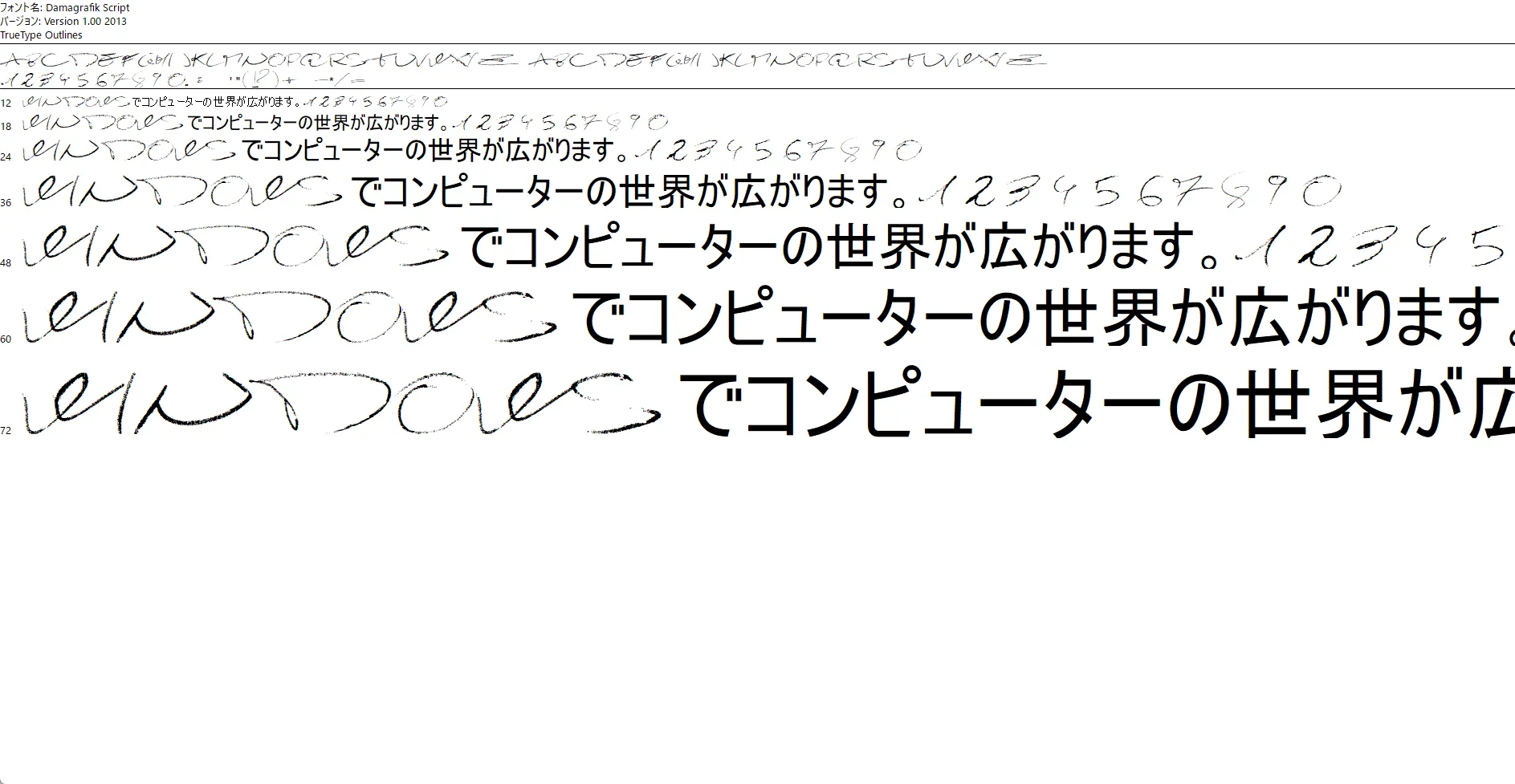
screen poem(currentpoem, paper="paper"): viewport id "vp": ... if currentpoem.author == "yuri": if currentpoem.yuri_2: ... # poem_y23 的定义中有 yuri_3 = True elif currentpoem.yuri_3: text "[currentpoem.title]\n\n[currentpoem.text]" style "yuri_text_3"yuri_text_3 对应的文件是 gui/font/y3.ttf:
回到 ch23_y_end 继续往下:
yuri glitch 包含 glitch 1-5,每帧只有 0.1s:

return 回去选择 Monika, 进入 ch23_m_start:
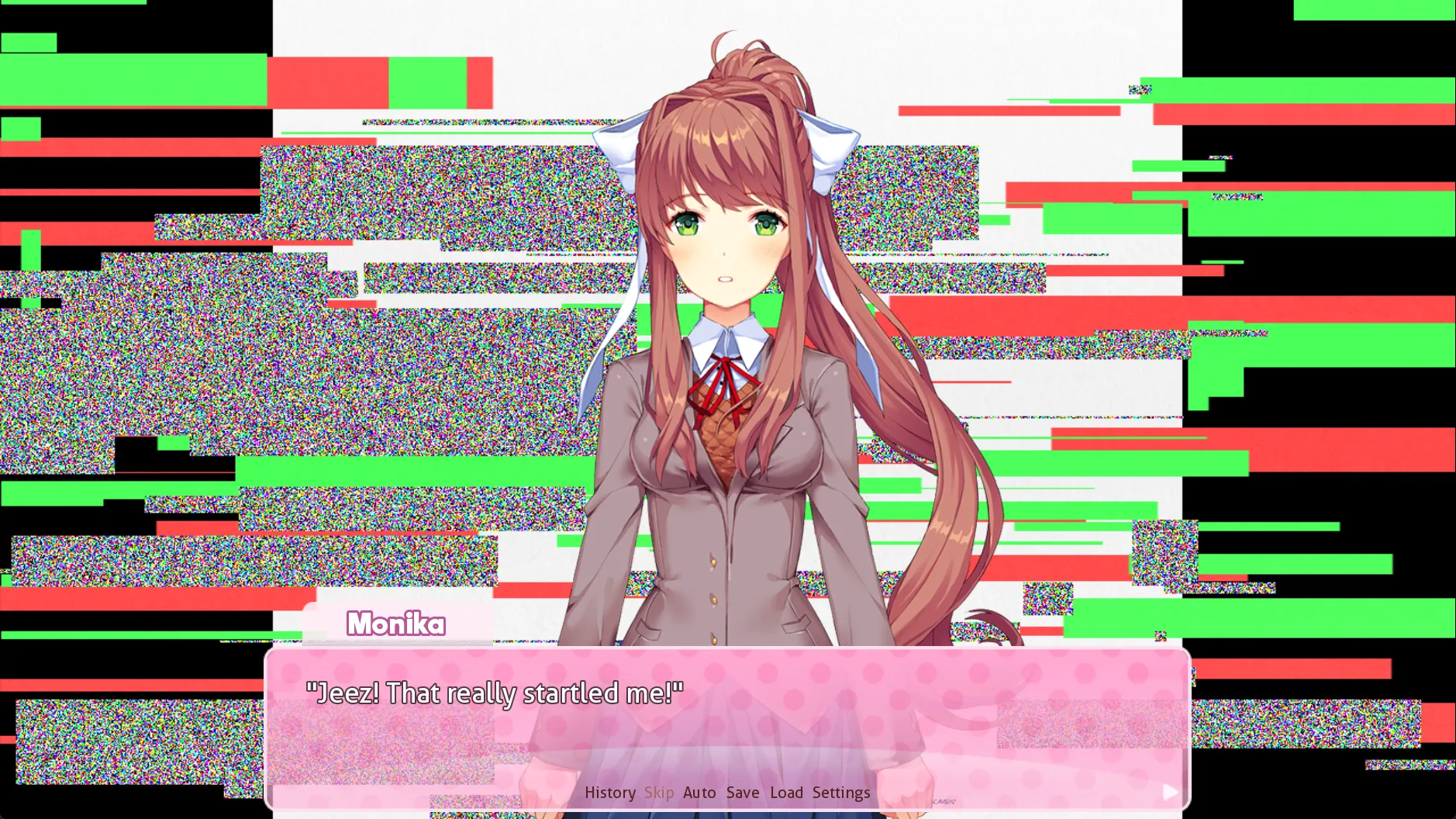
return 进入 ch23_m_end:
return 到 start 中, 进入 ch23_end:
label start: elif persistent.playthrough == 2: label playthrough2: ... $ chapter = 3 call ch23_main if y_appeal >= 3: ...
call ch23_end return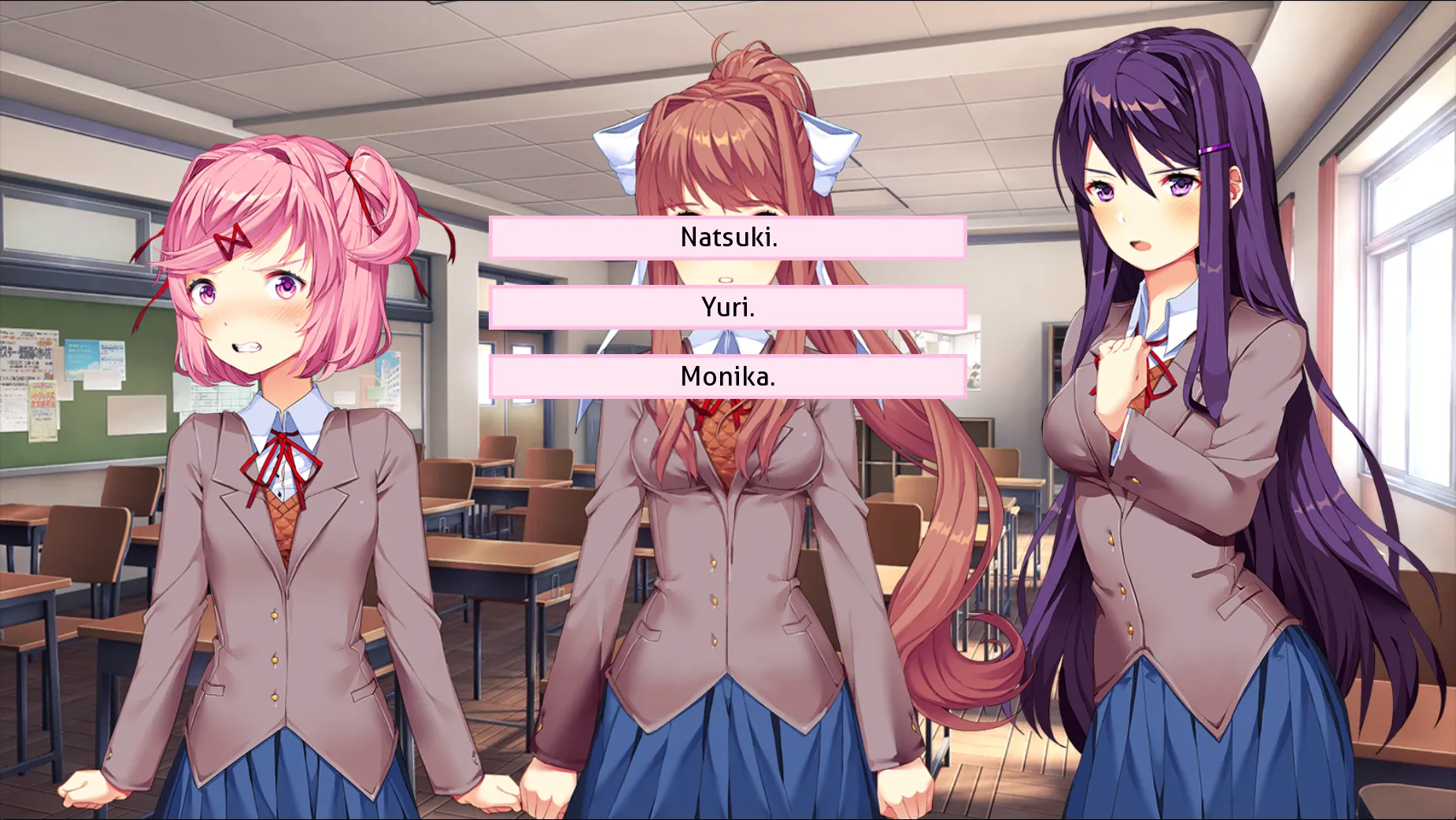
此时鼠标会被不停地向 Monika 的选项上吸附,对应的实现在 screens.rpy 中:
如果不选择 Monika:
使用文本编辑器打开 have a nice weekend! 可以看到:
G2pilVJccjJiQZ1poiM3iYZhj3I0IRbvj3wxomnoeOatVHUxZ2ozGKJgjXMzj2LgoOitBOM1dSDzHMatdRpmQZpidNehG29mkTxwmDJbGJxsjnVeQT9mTPSwSAOwnuWhSE50ByMpcuJoqGstJOCxqHCtdvG3HJV0TOGuwOIyoOGhwOHgm2GhlZpyISJik3J/
使用密钥 libitina 进行 Vigenère 解密,得到 base64 字符串后再进行解码得到明文:
What is a man without knowing the rich aroma of the future; the hot, complex balance of the present; and the bittersweet aftertaste of the past?
Vigenère密码:循环利用密钥,根据密钥第 位在字母表中的位置 将明文第 位向后移动 位
libitina 是 ddlc 的一个彩蛋,在这里暂时不赘述
y_kill 定义在 cgs.rpy 中,是一个 ConditionSwitch 对象:
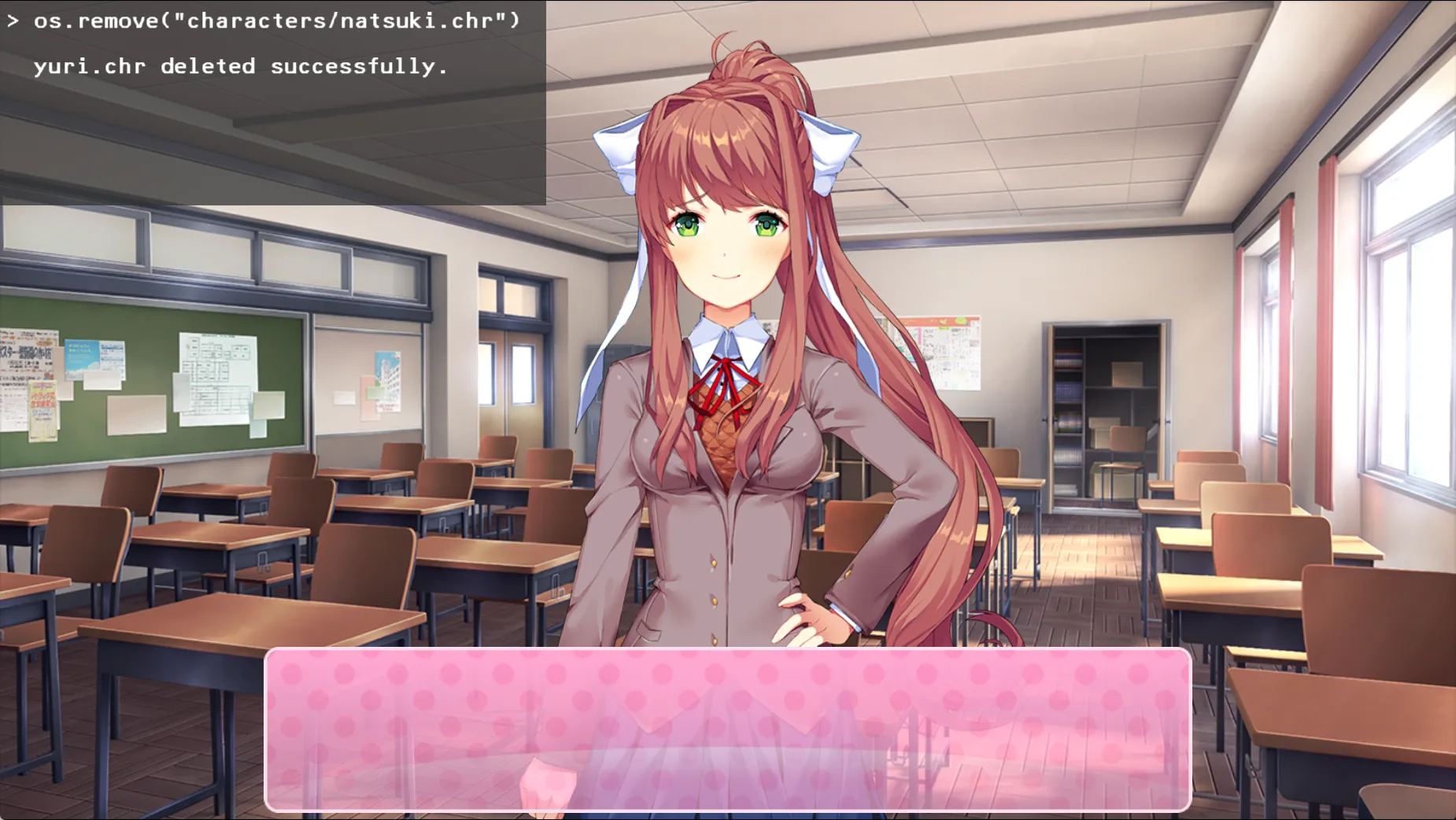
# 根据 yuri_kill 的值播放不同的 cgimage y_kill = ConditionSwitch( "persistent.yuri_kill >= 1380", "images/cg/y_kill/3a.png", "persistent.yuri_kill >= 1180", "images/cg/y_kill/3c.png", "persistent.yuri_kill >= 1120", "images/cg/y_kill/3b.png", "persistent.yuri_kill >= 920", "images/cg/y_kill/3a.png", "persistent.yuri_kill >= 720", "images/cg/y_kill/2c.png", "persistent.yuri_kill >= 660", "images/cg/y_kill/2b.png", "persistent.yuri_kill >= 460", "images/cg/y_kill/2a.png", "persistent.yuri_kill >= 260", "images/cg/y_kill/1c.png", "persistent.yuri_kill >= 200", "images/cg/y_kill/1b.png", "True", "images/cg/y_kill/1a.png", )回到 yuri_kill_1 继续向下:
Comments
Music
No playing